
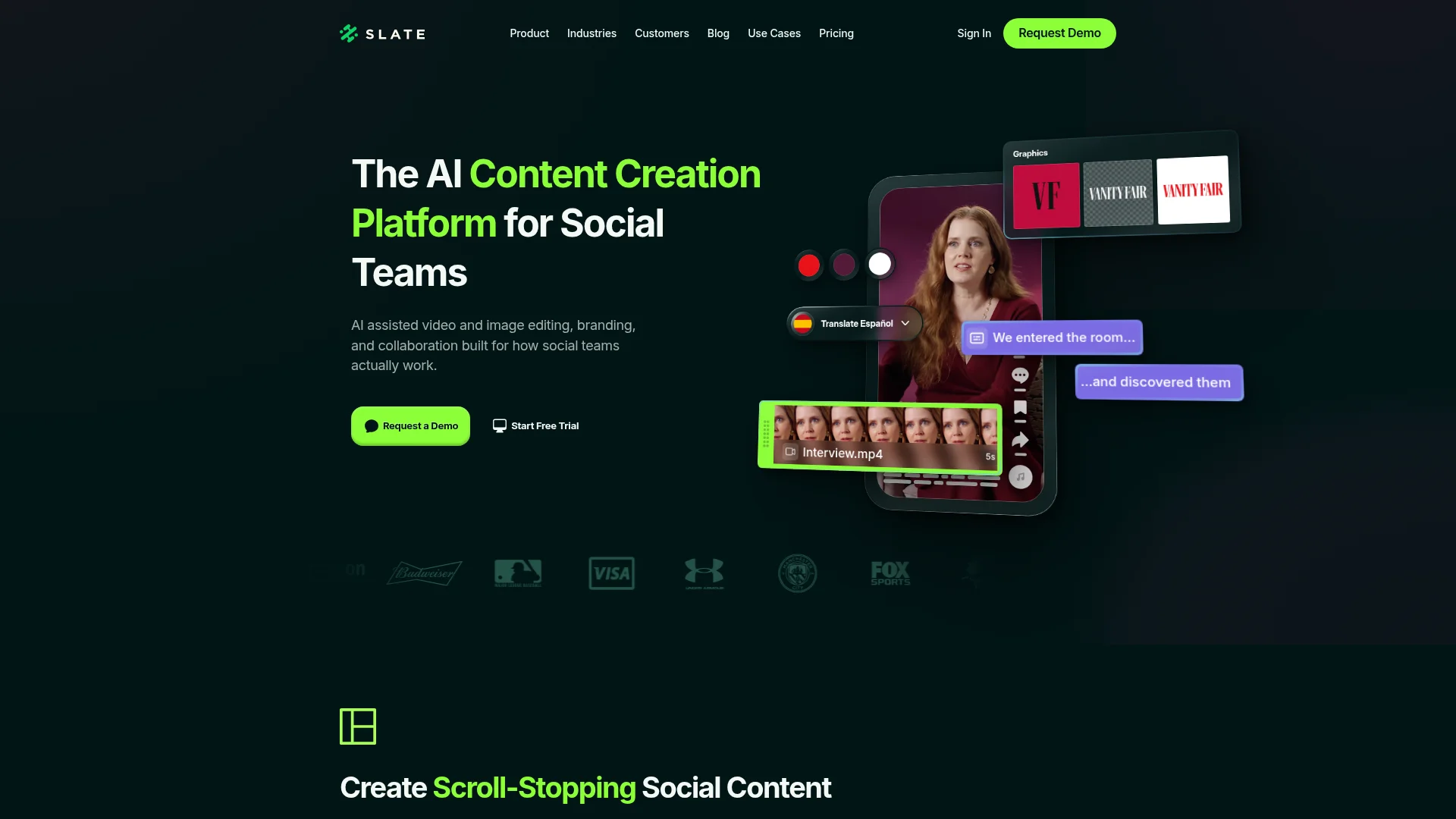
Slate (slateteams.com) is one of the most specialized visual social platforms on the market. Its AI video clipping, brand-aware auto-captions, and Brand Hub governance are built for a specific kind of team: sports, live events, and broadcast social. Named customers include the Dallas Mavericks, Australian Open, Premier League clubs, Fox Sports, DAZN, and Paramount. It holds a 4.7/5 on G2 from 81 reviews, with 85% rated 5-star and zero ratings below 4.
It's still not the right fit for every team.
One note before the list. Slate is a visual content platform, not an AI writing tool. Most alternatives here are visual and social tools (Canva, CapCut, Adobe Express, Buffer, Loomly, Sprout Social). DeepSmith appears first because many teams evaluating Slate have content responsibilities that extend beyond visual social, and DeepSmith fills a complementary gap. More on that below.
If you're evaluating alternatives, you've probably hit one or more of these friction points.
The $99/mo Creator price excludes solo creators and small teams. Canva Pro at roughly $15/mo covers most solo design needs. CapCut is free for video. For a freelancer or a two-person agency, Slate Creator's per-seat economics are hard to justify, especially with no free tier to evaluate long-term.
Slate doesn't handle written content or SEO. No blog posts. No AI writing. No keyword research. No AEO tracking. Teams whose scope includes both visual social and written SEO content need Slate plus a separate writing platform plus whatever they use for distribution. Slate is a component, not a complete content operation.
Scheduling isn't built in. Slate produces content. Sprout Social, Buffer, Hootsuite, or Later handle scheduling. The native Sprout integration is good, but your total tool cost becomes Slate plus a scheduler. For Pro at $399/mo plus Sprout at $249/mo, your monthly social stack starts at $650.
The Creator plan is capped at one Brand Hub. Agencies and multi-brand businesses have to jump straight to Pro at $399/mo. No middle tier for two or three brands, and that price cliff is steep for mid-market teams.
No Capterra or Trustpilot presence reduces the third-party validation surface. G2 has 81 reviews, a modest sample. The Slate listings on other platforms are unrelated products (Slate Digital is an audio plugin, Slate by Technolutions is an education CRM). B2B buyers who lean on multiple review platforms find less footprint than they're used to.
This guide compares eight alternatives across general design tools, video editors, social schedulers, enterprise social management, and one written content system for teams whose scope extends beyond visual social. Pricing is verified as of April 2026.
How We Evaluated These Alternatives
We analyzed pricing from each tool's website, features from product pages, and user feedback from G2, Slashdot, ITQLick, and independent reviews. Evaluation dimensions: content creation scope, brand governance, mobile workflow, scheduling and distribution coverage, pricing structure, and fit for teams whose responsibilities span visual and written content. DeepSmith is our product. We've included it because many teams evaluating Slate also need written content production, and DeepSmith fits that adjacent gap. We've also included a "what to consider" note making clear that DeepSmith is not a visual replacement for Slate. All pricing and features verified as of April 2026.
Quick Comparison Table
| Tool | Best For | Starting Price | Scope |
|---|---|---|---|
| DeepSmith | Written content production alongside Slate for visual | $80/mo | Full pipeline (idea → publish → 14 channels) |
| Canva | General-purpose visual design | Free / $15/mo Pro | Visual creation tool |
| CapCut | Affordable AI video editing | Free / ~$7.99/mo | Video editing + social |
| Adobe Express | Teams already on Creative Cloud | Free / ~$10/mo | Visual creation tool |
| Buffer | Scheduling across many platforms | Free / $6/channel | Social scheduling |
| Loomly | Calendar + approvals + light creation | $42/mo | Social scheduling |
| Sprout Social | Enterprise social management | $249/seat/mo | Social scheduling |
| Narrato | Written content workspace for lean teams | Free / $36/mo | Team content workspace |
What Slate Does Well
Before recommending alternatives, Slate's strengths deserve real recognition. These are well-documented capabilities.
The mobile-first workflow is genuinely differentiated for sports and live events. Most design tools (Canva, Adobe Express) are desktop-first. Slate's iOS and Android apps let a social manager create and publish branded content from courtside, pitch-side, or the press box. For a team pushing 100+ posts on game day, mobile creation is the job. Named customers (Dallas Mavericks, Australian Open, Premier League clubs, Portland Timbers, Kansas City Royals) point to consistent adoption in organizations where game-day velocity is the whole point.
Brand Hub enforces consistency across distributed teams. Brand managers lock fonts, colors, logos, and templates. Creators work within those guardrails automatically. G2 reviewers consistently cite this as a standout: "the ability to lock brand fonts, colors, and logos so the entire team stays on-brand." For enterprises with multi-location social teams or brand leads coordinating external creators, that guardrail system prevents the "off-brand post" problem that erodes brand equity at scale.
AI auto-captions with brand styling. Slate's auto-captions use brand fonts and colors automatically. Most caption tools apply generic styling. A small, specific differentiator for teams producing large volumes of branded vertical video where manual caption styling would burn hours.
Customer support goes beyond tickets. G2 reviews repeatedly cite dedicated account reps and a responsive customer success team. For enterprise sports customers producing live-event content, support responsiveness matters. Bugs during the Super Bowl or a Grand Slam final aren't acceptable, and Slate's support footprint reflects the customer base it serves.
Speed advantage for high-velocity teams. Apollo.io's public testimonial ("content that used to take hours takes minutes") reflects the core value prop. AI long-to-short clipping plus brand templates collapse production time significantly for the teams it's built for.
Slate holds a 4.7/5 on G2 from 81 reviews, with 85% rated 5-star and none below 4. The sample is modest but the consistency is striking. These strengths are real. If they match your primary use case, Slate may be the right tool for you. The alternatives below serve teams whose needs extend beyond what Slate covers.
1. DeepSmith
Best for Content marketing teams whose scope extends beyond visual social into written SEO and distribution
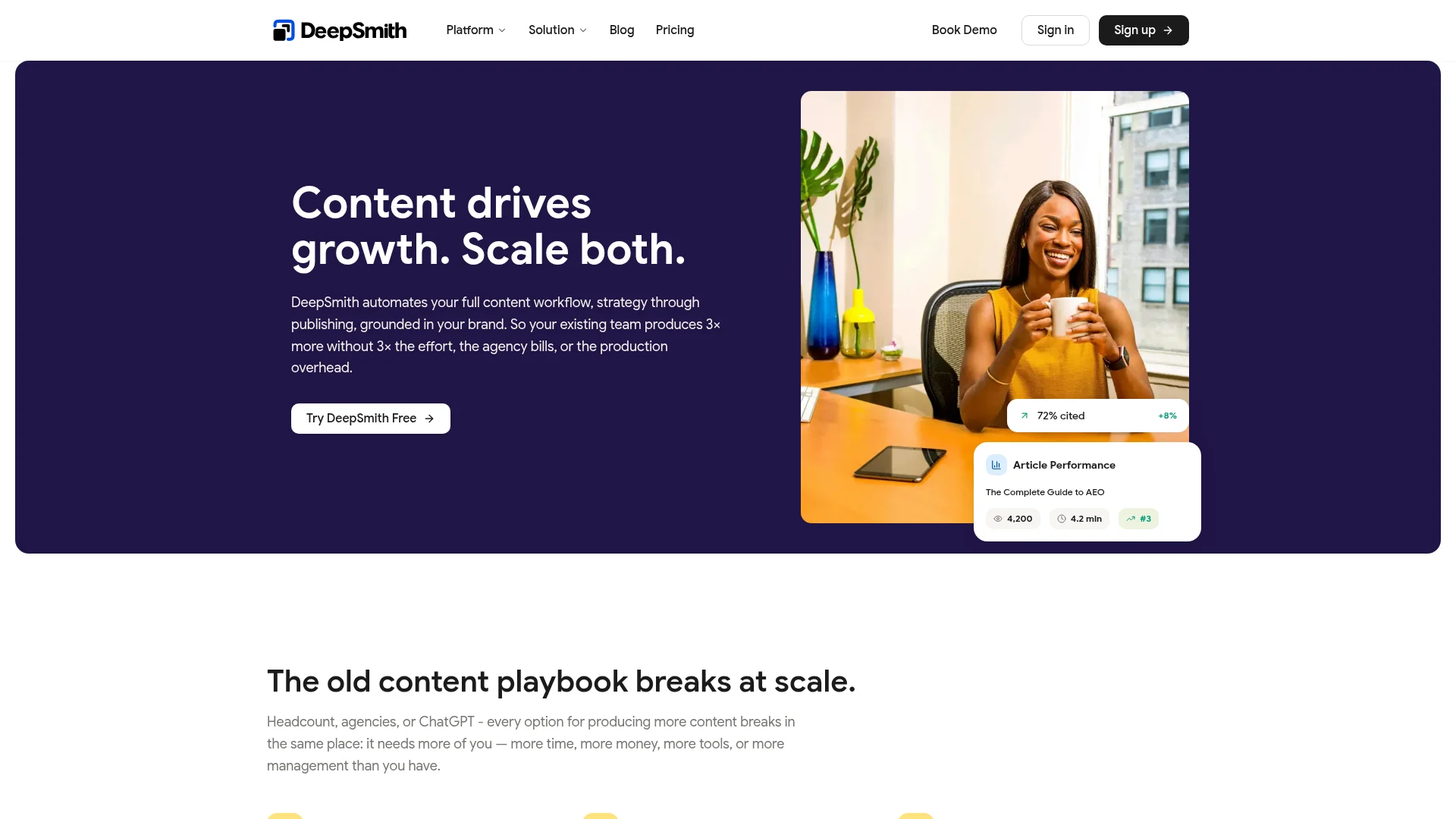
What it is: An AI content automation platform that handles the full written content pipeline: strategy and ideation through writing, QA, SEO/AEO optimization, internal linking, cover image generation, CMS publishing, and automated repurposing across 14 text and social distribution channels.
Pricing: Pro at $80/mo, Scale at $299/mo, Enterprise custom. Team-oriented tiers, not per-seat pricing.
Why teams evaluating Slate also look at DeepSmith:
One honest caveat up front. DeepSmith does not replace Slate. Slate handles visual social content. DeepSmith handles written content. Content marketing teams whose responsibilities include both visual social and blog production end up running Slate for visual work and separate tools for everything written. DeepSmith consolidates that written-content half of the operation into one system.
With Slate alone, your visual side looks clean: AI clipping, branded captions, Brand Hub, mobile workflow. Your written side is still a patchwork. Keywords in one tool. Briefs in a Google Doc. Drafts in a separate AI writer. Optimization in Clearscope or Surfer. Publishing by copy-paste into WordPress. Internal linking by hand. Then manual LinkedIn articles, newsletter versions, and Medium posts. Four to five tools, two to three hours per article beyond the writing itself, and the distribution assets that never actually ship.
With Slate plus DeepSmith, the visual side stays in Slate (no change, Slate is the right tool for that job). The written side runs in DeepSmith. Topic Explorer generates keyword clusters. The 5-agent ideation pipeline produces publish-ready ideas. The 10-agent writing pipeline handles research, brief, draft, editorial review, voice styling, and internal linking. A cover image is generated against your visual guidelines. One-button WordPress publishing closes the loop. The Agent Library then turns each article into LinkedIn posts, X threads, newsletter emails, Medium articles, and Substack posts. One system for written, Slate for visual.
What DeepSmith does that Slate doesn't:
- 10-agent article writing pipeline. Automated research, brief generation, writing, editorial review, voice styling, and internal linking. Produces publish-ready blog articles. Slate doesn't offer this in any form.
- Sitemap-powered internal linking. Crawls your site, enriches every page with AI metadata, and matches link targets during writing. Places up to 5 editorially relevant links per article automatically.
- 14 distribution agents for text and social. Each article becomes a LinkedIn post, X thread, LinkedIn article, Medium article, Substack post, newsletter email, Slack announcement, and more. Slate produces visual assets, not text distribution.
- Deep IQ brand context for written content. Six structured context elements (company, products, personas, voice with 16 settings, visual guidelines, content types). Slate's Brand Hub governs visual assets. Deep IQ governs written voice and structure.
- Topic Explorer keyword clusters. Pulls ranking keywords from Moz, expands via suggestion API, clusters into named topics, computes search demand, keyword difficulty, and content coverage per topic.
- AI Prompt Tracking across 4 AI platforms. Monitors brand visibility in ChatGPT, Gemini, Perplexity, and Google AI Mode with twice-weekly refresh. Captures full answers, brand citations, competitor mentions, and sentiment.
- Autowrite scheduled production. Pre-configure articles to write automatically on planned dates. Written content production runs on a calendar, not on manual kick-offs.
- Direct WordPress publishing. One-button publish from the article detail view. Markdown and HTML export for other CMSs.
What to consider:
DeepSmith is not a visual social content platform. It doesn't edit video, produce branded image designs, or offer a mobile-first game-day workflow. If your only content need is visual social, DeepSmith is the wrong tool. The right alternatives to Slate for that job are Canva, CapCut, Adobe Express, Buffer, or Loomly, which is why they make up the rest of this list. DeepSmith belongs on your shortlist only if your content scope includes written SEO content alongside visual social.
Best for: SaaS founders, content marketing managers, and lean growth teams who run Slate (or a Slate alternative) for visual social and need a single system for everything written. Blog, SEO, AEO, internal linking, and distribution.
2. Canva
Best for General-purpose visual design with a free tier
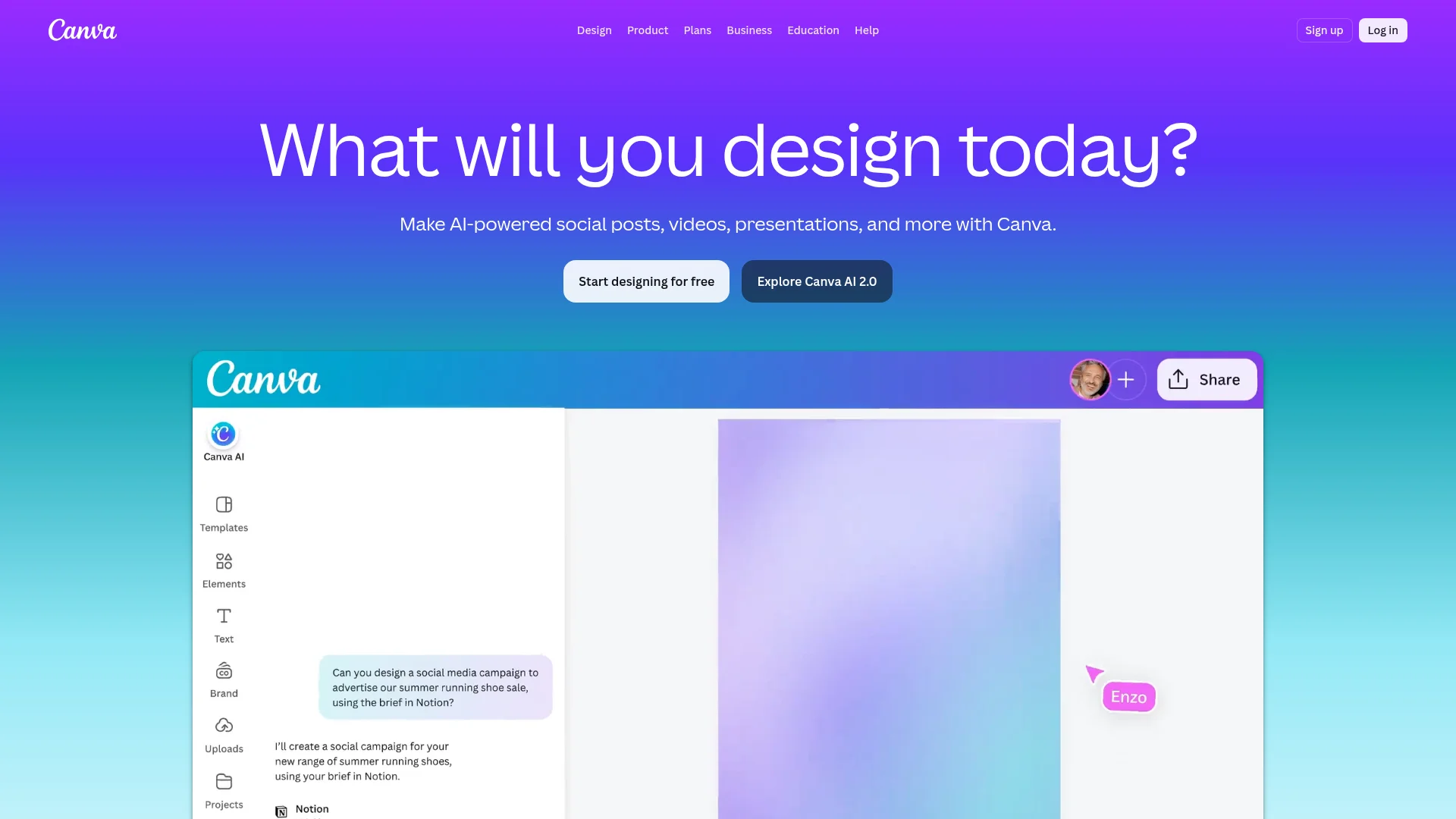
What it is: The most widely used visual design platform on the market. Drag-and-drop graphic design for social posts, presentations, print, and video, backed by a massive template library and 180M+ reported monthly users. Strong free tier with paid upgrades.
Pricing: Free plan, Canva Pro at $15/mo ($180/yr), Canva Teams at ~$12.50/user/mo (3+ users), Enterprise custom. Pricing from canva.com/pricing.
Key strengths:
- Free tier is genuinely usable for individuals and small teams, which Slate doesn't offer
- Massive template library covers social, print, video, presentations, and marketing assets
- Brand Kit on Pro and above handles fonts, colors, and logos across designs
- Strong review footprint, with thousands of reviews on G2 averaging 4.7/5
- Canva Pro is roughly 6x cheaper than Slate Creator, a significant gap for small teams
Key limitations:
- No Brand Hub equivalent with enforced guardrails. Brand Kit is passive. It stores assets but doesn't lock creators into them the way Slate does.
- Video editing is shallower than CapCut or Adobe Premiere. For teams producing heavy vertical video for social, Canva's video tools feel basic.
- Not purpose-built for sports or live-event workflow. No mobile-first game-day emphasis.
- General-purpose by design, which means none of the category depth Slate has for live-event social.
Best for: Individual creators, small teams, and marketing generalists who need flexible visual design across many formats at a low price. A good Slate alternative if your primary frustration is the Creator plan's price and you don't need enterprise brand governance or a specialized sports workflow.
3. CapCut
Best for Affordable AI video editing, especially mobile-first
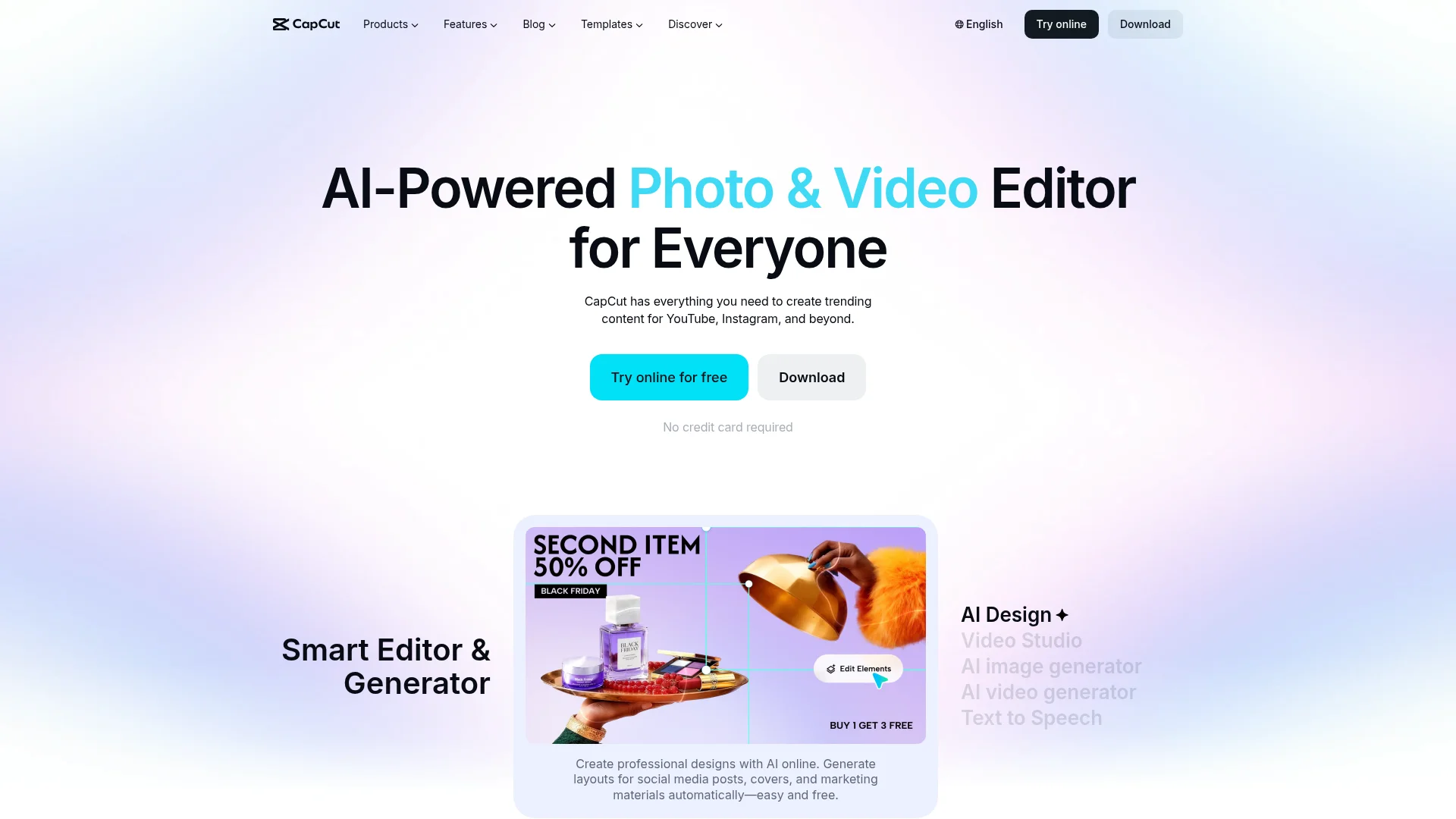
What it is: ByteDance's AI video editor, originally mobile-first and now available on web. Popular for short-form video, TikTok content, and consumer video editing. Strong free tier plus affordable Pro upgrades.
Pricing: Free tier, CapCut Pro at approximately $7.99/mo. Business tiers available (pricing not fully verified). Pricing from capcut.com.
Key strengths:
- Free tier is genuinely powerful for video editing, a meaningful gap vs. Slate's no-free-plan stance
- AI features including auto-captions, background removal, and voice effects
- Mobile-first workflow, the closest analogue to Slate's mobile emphasis among general tools
- Extremely affordable at roughly 1/12th the price of Slate Creator
Key limitations:
- No enterprise Brand Hub or governed creator experience. Consumer-grade brand controls.
- Not built for sports or live-event team workflow. Single-editor emphasis.
- Limited team collaboration and approvals vs. Slate's enterprise orientation
- ByteDance ownership raises enterprise data-privacy considerations for some buyers, particularly in sports and media where IP handling matters
Best for: Individual creators, small teams, and consumer-style video workflows. A good Slate alternative if your primary frustration is price and your visual work is video-led rather than multi-format. Many Slate customer stories reference "moved from CapCut to Slate" once team size and brand governance needs outgrew CapCut.
4. Adobe Express
Best for Teams already on Adobe Creative Cloud
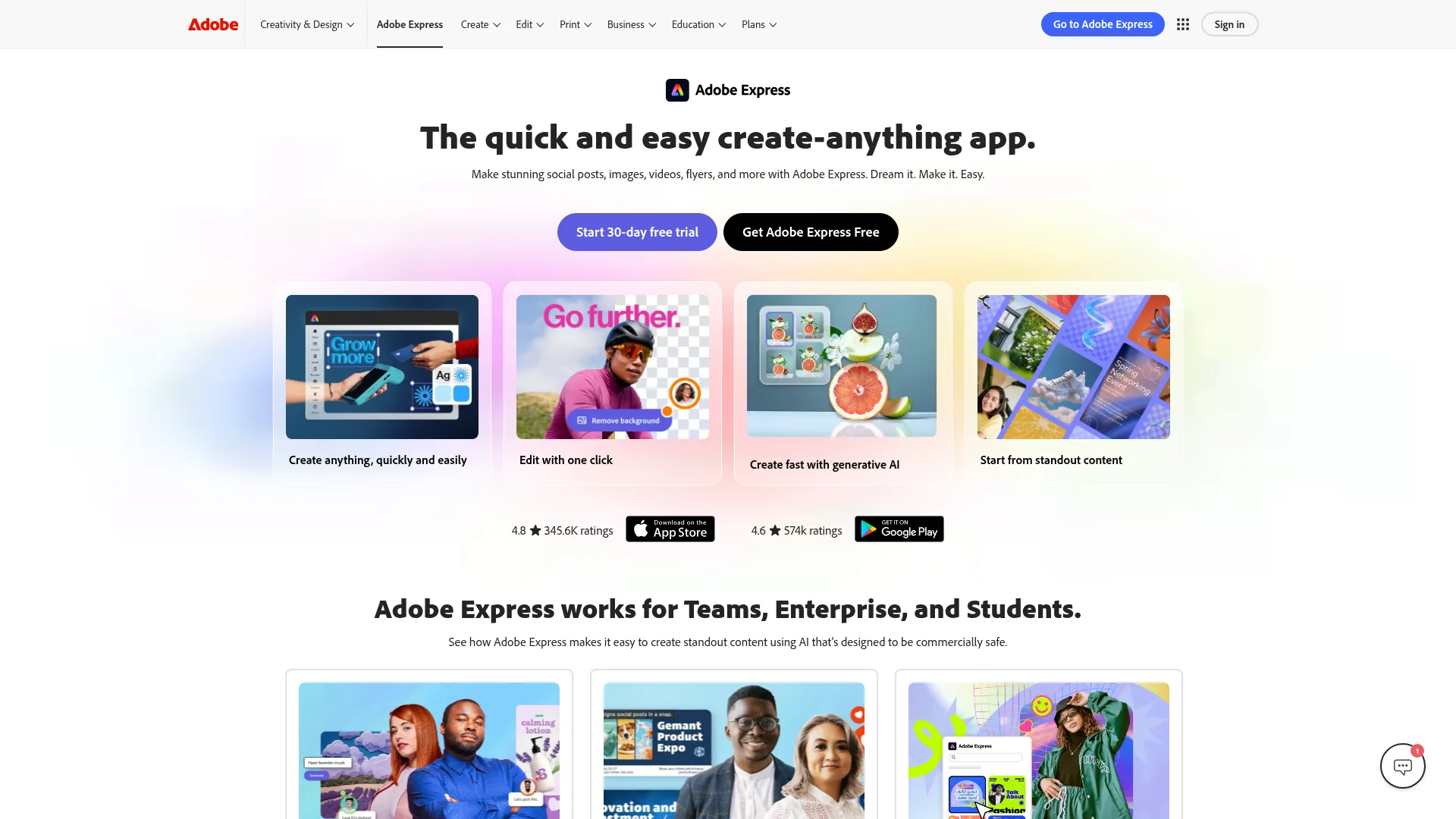
What it is: Adobe's lightweight design tool positioned as a Canva-style competitor. Part of the Creative Cloud ecosystem, with Firefly generative AI integration and strong asset libraries through Adobe Stock.
Pricing: Free tier, Premium at ~$10/mo individual, Teams at ~$14/user/mo. Pricing from adobe.com/express/pricing.
Key strengths:
- Creative Cloud integration for brands already on Adobe. Asset libraries, fonts, and stock content flow in.
- Firefly generative AI for image creation and text-to-image workflows
- Adobe's enterprise-grade privacy and governance posture, which matters to large brands
- Strong fit for creative teams with existing Adobe contracts, where Express adds design capability without a separate vendor
Key limitations:
- Fewer templates than Canva and less specialized than Slate for live-event workflow
- Mobile apps exist, but the experience is less game-day-oriented than Slate's
- Pricing stacks on top of Creative Cloud for full value. Teams without Adobe contracts pay more for less familiarity.
- Not built for sports or broadcast social specifically. A general-purpose tool with enterprise polish.
Best for: Marketing and creative teams inside brands that already run on Adobe Creative Cloud. A good Slate alternative if your primary frustration is standalone tool sprawl and your organization has an enterprise Adobe agreement that makes Express essentially free to add.
5. Buffer
Best for Scheduling across many social platforms with light creation
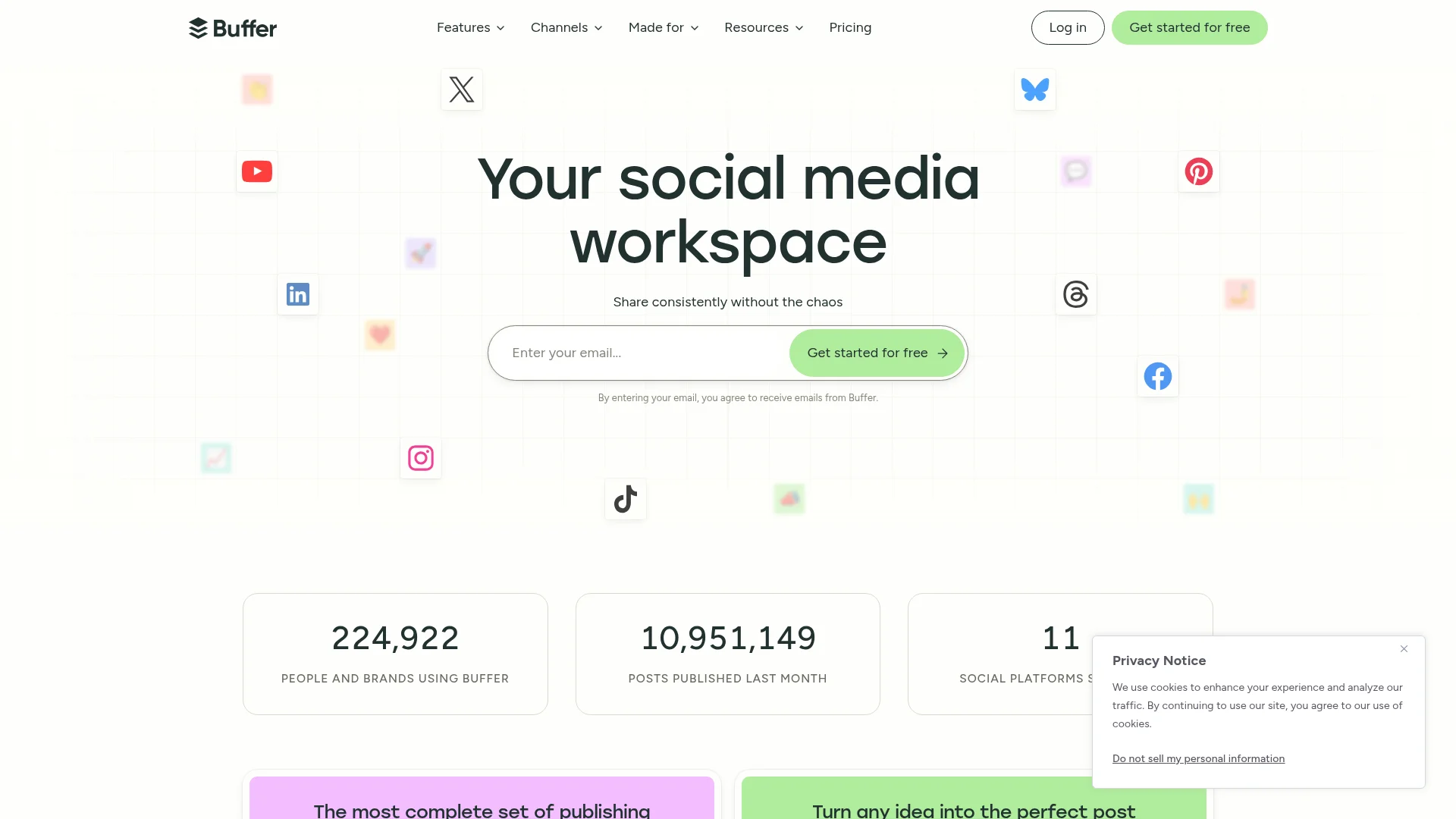
What it is: Long-established social media scheduling platform used by 140,000+ teams. Covers 10+ social platforms including LinkedIn, X, Facebook, Instagram, TikTok, Pinterest, YouTube, Threads, Bluesky, and Mastodon. Adds light AI-assisted content creation.
Pricing: Free plan, Essentials at $6/mo/channel (annual), Team at $12/mo/channel (annual), Agency at $120/mo/10 channels (annual). Pricing from buffer.com/pricing.
Key strengths:
- Per-channel pricing starting at $6/mo is the most affordable social scheduling entry point on this list
- Broad platform coverage including emerging networks like Bluesky and Threads
- AI Assistant for post generation and variation
- Rated 4.3/5 on G2 from 1,000+ reviews
Key limitations:
- Pure scheduling tool with light creation. Not a visual design platform, and not a substitute for Slate's video editing and Brand Hub.
- No enterprise brand governance equivalent to Slate's locked guardrails
- No AI video editing. No mobile-first game-day workflow.
- For sports or live events, scheduling is the wrong end of the pipeline. Creation still happens elsewhere.
Best for: Teams whose primary need is scheduling, not creation, across many platforms at low cost. A good Slate alternative if your primary frustration is the Slate plus Sprout stack cost and your visual creation can live in Canva or a simpler design tool.
6. Loomly
Best for Content calendar plus approvals plus light creation
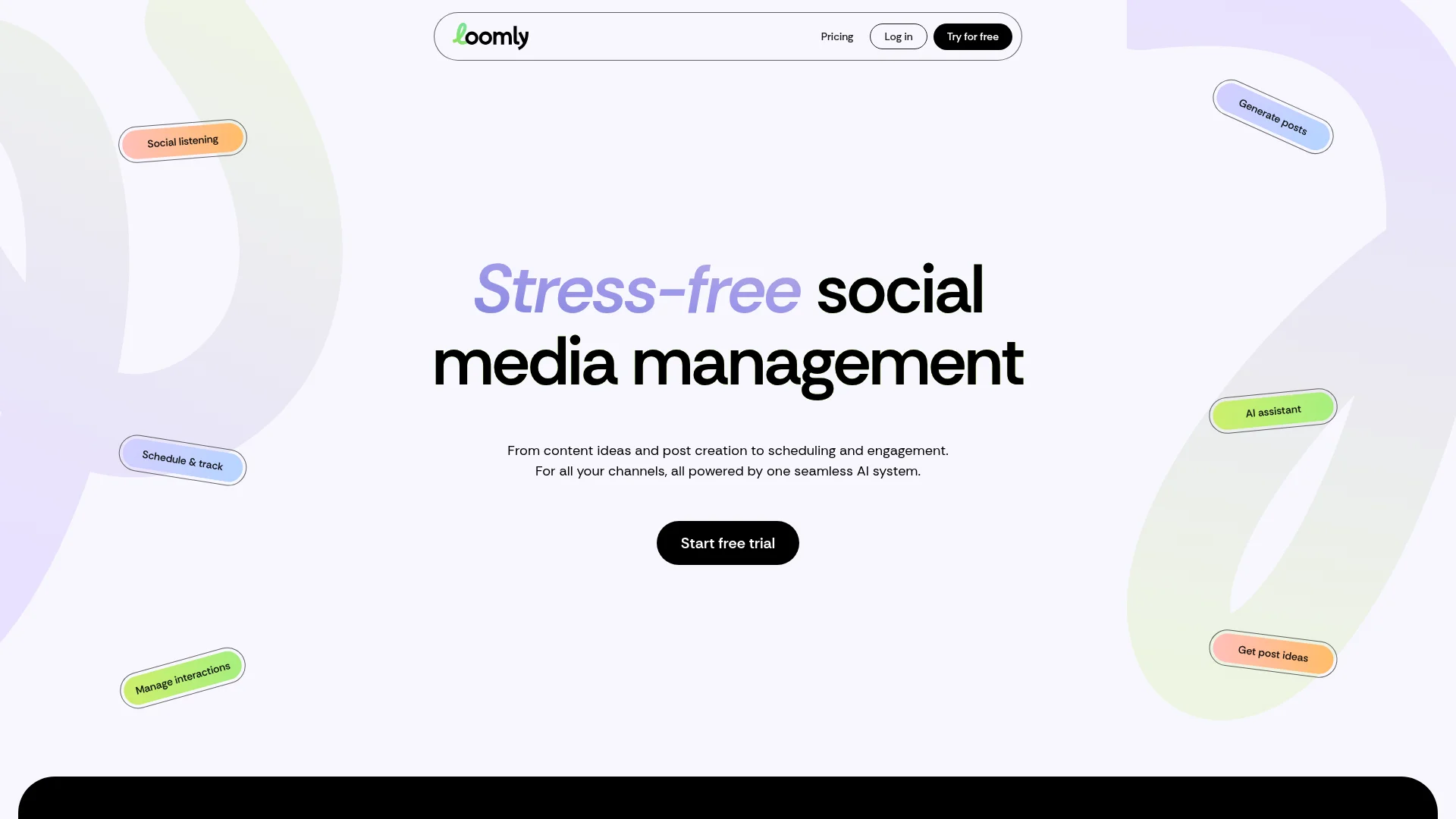
What it is: Social media content calendar and scheduling platform with built-in approval workflow and brand management features. Sits in the mid-market between Buffer's simplicity and Sprout Social's enterprise depth.
Pricing: Base at $42/mo (10 social accounts, 2 users), Standard at $80/mo (20 accounts, 6 users), Advanced at $175/mo, Premium at $369/mo. Annual discount available. Pricing from loomly.com/pricing.
Key strengths:
- Content calendar with multi-stage approval workflow built in, which Slate doesn't include
- Brand management features covering templates and on-brand asset libraries
- Multi-user collaboration included at lower tiers, unlike Slate Creator's single seat
- Rated 4.5/5 on G2 from several hundred reviews
Key limitations:
- Creation features are basic compared to Slate's AI video clipping and Canva-like image editing
- No AI video editing or auto-captions, both core Slate differentiators
- No mobile-first game-day workflow. Loomly is calendar-first, not creation-first.
- Smaller user base than Buffer or Hootsuite, so community resources are thinner
Best for: Mid-market marketing teams who need calendar, scheduling, approvals, and light creation in one tool. A good Slate alternative if your primary frustration is coordinating a distributed team's content calendar and your visual creation needs are modest.
7. Sprout Social
Best for Enterprise social management (and it integrates with Slate)
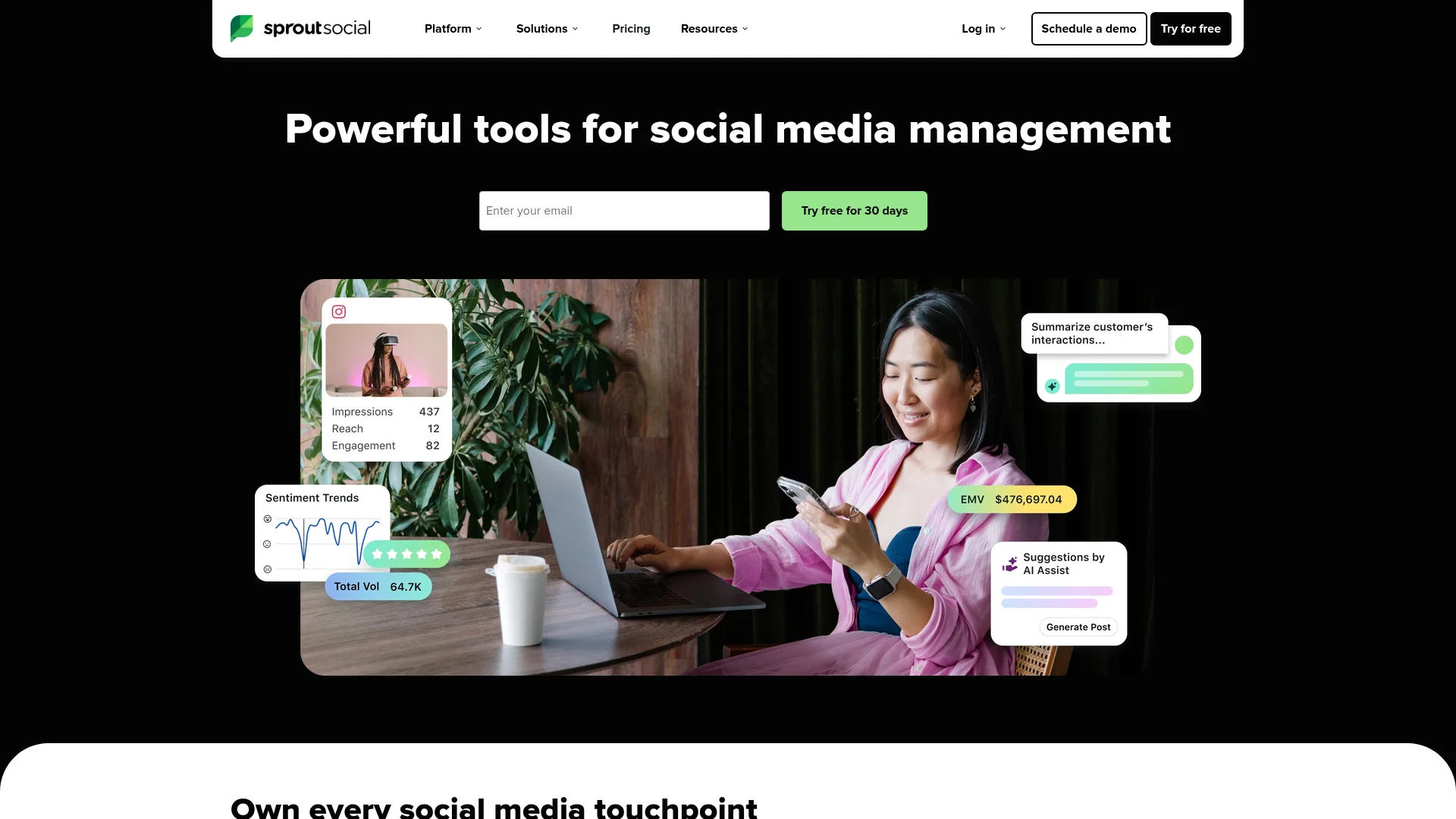
What it is: Enterprise social media management platform covering scheduling, analytics, social listening, customer care, and content approval. Slate integrates natively with Sprout, so this is often a complementary tool rather than a direct replacement.
Pricing: Standard at $249/seat/mo (annual), Professional at $399/seat/mo (annual), Advanced at $499/seat/mo (annual), Enterprise custom. Pricing from sproutsocial.com/pricing.
Key strengths:
- Enterprise-grade social management with analytics, listening, and customer care, none of which Slate covers
- Native Slate integration, so the two tools compose rather than compete for most teams
- Strong inbox and customer care management for brands at social-support scale
- Rated 4.4/5 on G2 from thousands of reviews
Key limitations:
- Per-seat pricing gets expensive quickly. A 5-person team on Standard is $1,245/mo before Slate.
- Light content creation features. Sprout expects you to create elsewhere (often in Slate) and schedule in Sprout.
- Complex UI and extensive feature surface area make it overkill for smaller teams
- Not a true visual creation alternative to Slate, which is why we frame it as complementary
Best for: Enterprise social teams who need listening, analytics, and customer care alongside scheduling. A good Slate alternative only if your Slate use case was really "we need social management, not visual creation" and you can live with Sprout's limited creation tools. For most teams, Slate plus Sprout is the right stack. Sprout alone is not.
8. Narrato
Best for Written content workspace and AI writing for lean teams
What it is: A content workspace and AI writing platform with 100+ templates, an AI Content Genie autopilot, SEO briefs, WordPress and Webflow publishing, and freelancer payment management. Covers the written side of content operations that Slate doesn't touch.
Pricing: Free plan, Pro at $36/mo (annual, 4 seats, 400K AI characters), Business at $96/mo (annual). Pricing from narrato.io.
Key strengths:
- Per-workspace pricing, not per-seat. 4 seats included at $36/mo on Pro, which is unusual in this category.
- AI Content Genie autopilot for scheduled content generation against topic inputs
- Freelancer payment management and white-labeling on Business, useful for agencies
- Rated 4.8/5 on G2 from 170+ reviews
Key limitations:
- Primarily text-focused. Basic social creation, no video editing, no Brand Hub equivalent for visual assets.
- Limited distribution features compared to a full production system. You produce content in Narrato and ship it, but repurposing is largely manual.
- No AEO tracking across AI platforms
- Smaller ecosystem than Jasper or Frase, so integrations and learning resources are thinner
Best for: Lean content marketing teams whose scope is mostly written content with light social, often alongside a separate visual tool like Slate or Canva. A good Slate alternative only if you've realized your real bottleneck is written content, not visual, and a text-first workspace makes more sense than stacking Slate on top of what you already have.
How to Choose the Right Slate Alternative
The right tool depends on where your real bottleneck sits.
You're stitching Google Docs + ChatGPT + Clearscope + manual copy-paste for the written side of what Slate handles visually, and the coordination takes longer than the writing.
→ DeepSmith.
Replaces the written stack while Slate keeps the visual work.
You publish 20+ articles a month plus a social cadence, and your team is too small to add another editor or writer.
→ DeepSmith.
Autowrite scales written volume while Slate stays in place.
Everything in Slate fits your sports and live-event workflow, and the migration cost outweighs any gain.
→ Slate (stay).
Upgrading to Pro is cheaper than rebuilding elsewhere.
Your visual tool budget is capped under $30, and you accept trading the sports-specific workflow for general-purpose design.
→ Canva Pro.
Handles brand kits, templates, and basic video editing.
You already have visual creation handled via Canva, Adobe Express, or in-house design, and your only remaining gap is scheduling across a distributed team.
→ Loomly or Buffer.
Loomly for approvals and templates, Buffer for per-channel scheduling.
Ready to Handle Written Content Alongside Slate?
Slate handles visual social content well. DeepSmith handles everything written that sits around it: blog articles, SEO, AEO tracking, internal linking, and distribution across 14 channels. Pro starts at $80/mo on team pricing, not per-seat.
→ Start your free trial at deepsmith.ai
7-day free trial. See how it fits your written content operation in your first session.