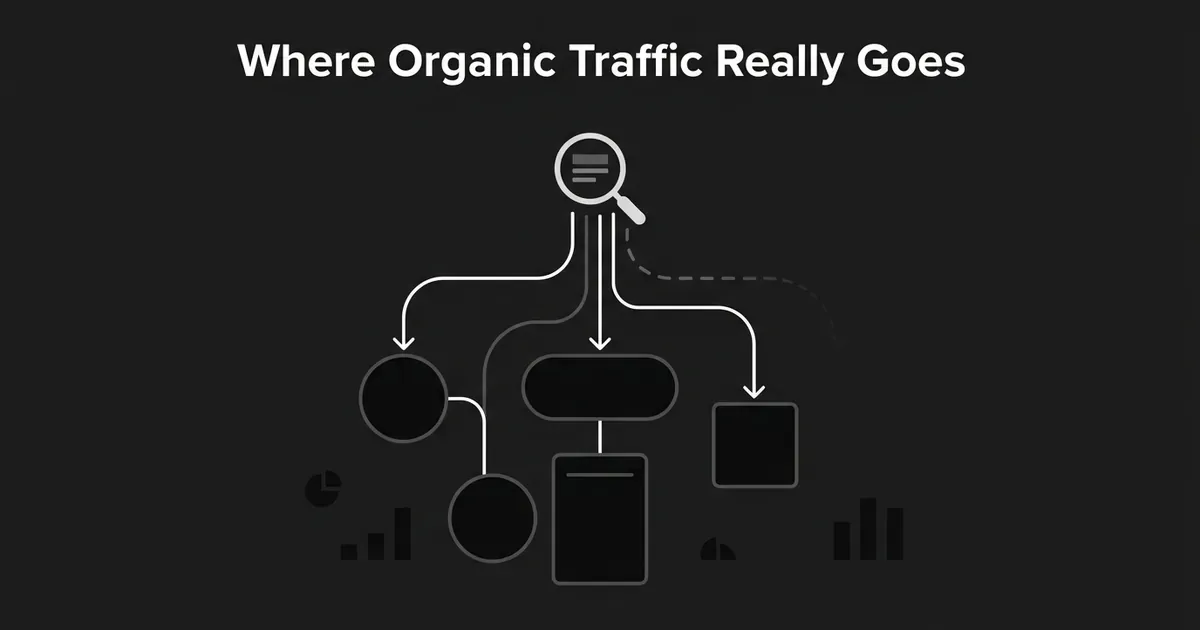
In GA4, Organic Search is the channel assigned to traffic that arrives through non-ad links in organic search results, but it works through a rule that checks source and medium, not a check of what the visitor actually did. That is the ga4 organic traffic definition worth holding onto: it is not "traffic from Google," it is a label GA4 applies once it has evaluated the source and medium values a session brought with it. When that information is missing, overwritten, mistagged, or simply not recognized, a session that really did start with a search can land somewhere else, usually Direct, sometimes Referral, occasionally Unassigned.
That gap between what happened and what got reported is where most "why does our organic traffic look wrong" conversations start. This piece walks through the ga4 channel grouping organic search rule, why real search sessions leak into other channels and end up as ga4 traffic miscategorized, and how to track down a suspicious number instead of guessing at it.
What Counts as Organic Search in GA4?
Start with the plain-language version, because it is where most confusion begins. Organic Search covers unpaid search-result traffic. Paid search ads are excluded, and so is social traffic, email traffic, referrals, and direct visits, even when a visitor from one of those channels eventually lands on a page that also gets organic visits. Sharing a landing page does not share a channel.
Underneath that plain description sits the operational rule GA4 actually runs. A session gets classified as Organic Search when either of these is true:
- The source matches a search engine on Google's recognized list of search sources.
- The medium is exactly
organic.
The second condition is the one that catches people off guard. GA4 is not asking "did this visitor click an unpaid search result." It is checking whether the medium value literally equals organic. That means a marketer can hand GA4 a false positive by accident: tag a newsletter link, a partner placement, or a social post with utm_medium=organic, and GA4 will file it under Organic Search even though nothing about it involved a search engine. organic is a reserved value in the channel logic, not a general-purpose label for "free traffic that didn't cost us anything." A link that isn't from a search result should carry a medium that says what it actually is, such as email, social, or referral.
The recognized search sources themselves come from a maintained list, not from GA4 scanning a domain name for the word "search." That list covers a large number of common search engines and their categories, so most mainstream search traffic gets classified correctly without any manual work. But an unfamiliar or newly launched search engine may sit outside that list until it gets added, which means its traffic will not show up as Organic Search unless the link is explicitly tagged with the exact medium organic. If a niche or new search source ever seems to be missing from your organic totals, that is the first thing to check, not evidence that GA4 has stopped counting search traffic correctly.
One current classification detail worth flagging: Google's Organic Search definition also covers non-ad links shown in AI Overviews and AI Mode, so that traffic counts toward the same channel. Separating out how much of your organic total actually comes from AI answer surfaces is a different measurement question, with its own tracking approach, and outside what this piece covers.
How GA4's Channel Grouping Logic Works
The organic search channel ga4 uses is one of several default channel groups, and all of them get built from the same small set of ingredients: source, medium, campaign, referrer, and a few advertising identifiers where they're present. The ga4 channel grouping organic search assignment comes from evaluating those values against a set of rules and assigning whichever channel matches first. A quick comparison of the channels people most often confuse with organic search makes the logic easier to hold in your head.
| Reported channel | What triggers it | Common way it goes wrong |
|---|---|---|
| Organic Search | Recognized search source, or medium exactly organic | Non-search links tagged with organic inflate this number |
| Paid Search | Recognized search source plus a paid medium pattern like cpc | Missing ad identifiers can make paid search look organic |
| Direct | Source (direct) and medium (none) or (not set) | Mixes true direct visits with sessions that just lost their source |
| Referral | Referral information or a referral medium | An unrecognized search source can show up here instead |
| Organic Social | Recognized social source or accepted social medium | Social links tagged medium=organic get pulled into search instead |
| Email source or accepted email medium | Untagged email links often fall through to Direct | |
| Unassigned | Nothing in the available data matches a default rule | Misspelled or unsupported custom mediums are the usual cause |
One detail that trips people up when they're pulling a number: GA4 has more than one traffic-source scope, and each answers a different question. First-user dimensions describe how a user was originally acquired and stick with that user even when they come back through a different channel later. Session dimensions describe how the current session started and can change every time the user returns. The Traffic acquisition report runs on session-scoped data, which is usually what you want when you're asking "how did these visits begin." The User acquisition report runs on first-user data, which answers a different question about a person's original entry point. Comparing an organic total from one report against a total from the other, without naming the scope, is a common way to manufacture a discrepancy that isn't actually there.
Why Organic Search Traffic Shows Up as Direct
Direct is source (direct) with medium (none) or (not set). That definition matters more than it looks, because it describes an absence of information, not a confirmed behavior. GA4 does not verify that the visitor typed the URL. Direct means the session arrived without a usable source GA4 could report as something else. Some of that traffic really is typed addresses, bookmarks, or links in offline documents like a PDF. A meaningful share of it is genuine search, email, social, or referral traffic whose origin data simply didn't survive the trip. The organic vs direct traffic ga4 question usually comes down to figuring out which of those two buckets a given spike belongs to.
A few things commonly strip that origin data before it reaches Analytics:
- Missing UTM parameters or a lost referrer. Links pasted into a document, a chat app, or another tool often arrive without a usable referrer at all.
- Redirects. A redirect from one URL to another, or from HTTP to HTTPS, can drop UTM parameters along the way or change the referral information Analytics sees. Test the whole click path, not just the final landing page.
- URL shorteners. A shortened link can fail to preserve the campaign parameters it was supposed to carry.
- Ad blockers and privacy tooling. These can interfere with the signals used to identify where a session came from, so the session falls back to Direct.
- Consent and tag timing. If the Analytics tag fires before consent is granted and the initial source information isn't retained, that data is gone before it's collected.
- Incomplete tagging. A tag that only fires on some templates, or a subdomain that isn't consistently instrumented, can interrupt attribution partway through a journey.
When Direct rises and Organic Search falls at the same time, the fix is to look at what changed rather than assume the traffic vanished. Compare dates, check landing pages, and look for a deployment, a redirect change, or a consent update that lines up with the shift.
Why Traffic Leaks Into Referral or Unassigned
Referral leakage usually points to a source-recognition or referrer-preservation problem, not proof that a visitor came through a publisher or partner site. A search engine that isn't on GA4's recognized list will often surface as Referral instead of Organic Search, because Analytics is reading a domain it doesn't know how to categorize. A redirect chain can swap the original referrer for an intermediate domain along the way. And a self-referral, where a site or subdomain appears as its own referring source, is often a sign that measurement isn't consistent across the full journey, including any checkout, booking, or authentication domain involved.
It's worth being precise about what referral exclusions and unwanted-referral settings actually do here, because it's easy to reach for them as a fix. They suppress a domain from showing up as a referrer. They do not reclassify that traffic as Organic Search, and they don't prove anything about where the traffic actually came from. Before excluding a domain, work out whether it's a legitimate marketing referral, an unrecognized search source, a redirect intermediary, or a self-referral from incomplete cross-domain setup. GA4 does cap this at 50 unwanted referrals per data stream, and adding a domain after a user's first session doesn't rewrite that earlier session's attribution.
Unassigned traffic is a different case again. It means the source and medium values GA4 collected didn't match any default channel rule, not that no data was collected at all. The usual causes are a custom medium value that isn't recognized, a typo or inconsistent spelling in a UTM parameter, or events arriving without enough traffic-source information to classify at all. A spike in Unassigned right after a campaign launch is a strong signal that a new tagging convention doesn't line up with what GA4's default rules actually accept, and it is one of the more common shapes ga4 traffic miscategorized takes after a rebrand or a new campaign system goes live.
How to Diagnose and Fix Miscategorized Traffic
Working from the ga4 organic traffic definition alone will not tell you why a number moved. Start in the right report. Use Traffic acquisition for current-session data, with Session default channel group as the primary dimension. Add Session source / medium and landing page alongside it, since the channel label alone hides the values that produced it. Use User acquisition only when the question is genuinely about a user's original acquisition source rather than how the current session started.
A repair generally follows the same order regardless of which channel looks off:
- Decide whether the question is about users, sessions, or event-attributed conversions, since each uses a different scope.
- Set the primary dimension to Session default channel group for current-visit questions.
- Pull in Session source / medium so you can see the raw values behind the label.
- Check landing pages and campaign URLs for missing, misspelled, or misleading UTM values.
- Follow the full click path, including any shortener or redirect, and confirm parameters and referrer survive to the landing page.
- Confirm the Analytics tag fires on every relevant page and that consent timing isn't discarding the initial source.
- Review subdomains, checkout providers, and cross-domain linker configuration if the journey crosses domains.
- Use unwanted-referral settings only for sources that genuinely shouldn't count as marketing referrals, not as a general cleanup tool.
- Reach for a custom channel group only when the reporting need is genuinely different from the default groups. Google's default channel groups can't be edited, and a custom group changes how you view the data; it doesn't recover source information that was never collected.
- Document what changed and validate it against new sessions going forward. Fixing tagging today doesn't repair historical sessions that were already collected without usable source data.
Two ways this goes wrong deserve a direct call-out. First, don't assume every Direct session was typed in by hand, and don't assume every Referral session came from a publisher: both are shorthand labels for what GA4 could determine, not a full account of user intent. Second, don't compare an organic total from one report to an organic total from another without naming the scope each one is using; a first-user total and a session total are answering different questions and will often disagree even when nothing is broken.
None of this is a one-time cleanup. Tagging conventions drift as new campaigns launch, redirects get added for unrelated reasons, and consent tooling changes. Some teams keep organic reporting reliable by working a regular content and analytics cadence into their process, checking source and medium alongside the channel label rather than waiting for a number to look wrong first. DeepSmith's AI Visibility reporting works from the same instinct, tracking the signals that explain a change instead of just the summary metric. Either way, the fix holds only as long as someone keeps checking.
Related guides
- Organic Traffic Benchmarks: What the Published Industry Data Actually Shows: See published organic traffic benchmarks by industry from Ahrefs, Conductor, and others, then learn how to compare your own site without a misleading target.
- Why Your Content Gets Traffic but Not Pipeline: A Diagnostic Guide: Your content gets traffic but no leads?
- How to Run a Webinar Program That Drives Pipeline: Learn how to run a webinar program that fills seats and turns attendees into pipeline, from picking topics and promoting to follow-up and honest reporting.
- Blog Examples Across Industries: What Makes Them Work: See real business blog examples from industrial, B2B, and niche companies, what makes each one useful, and which pattern you can borrow for your own blog.
- Your Organic Traffic Suddenly Spiked: How to Investigate Whether It's Real Growth: Traffic jumped with no clear cause?