

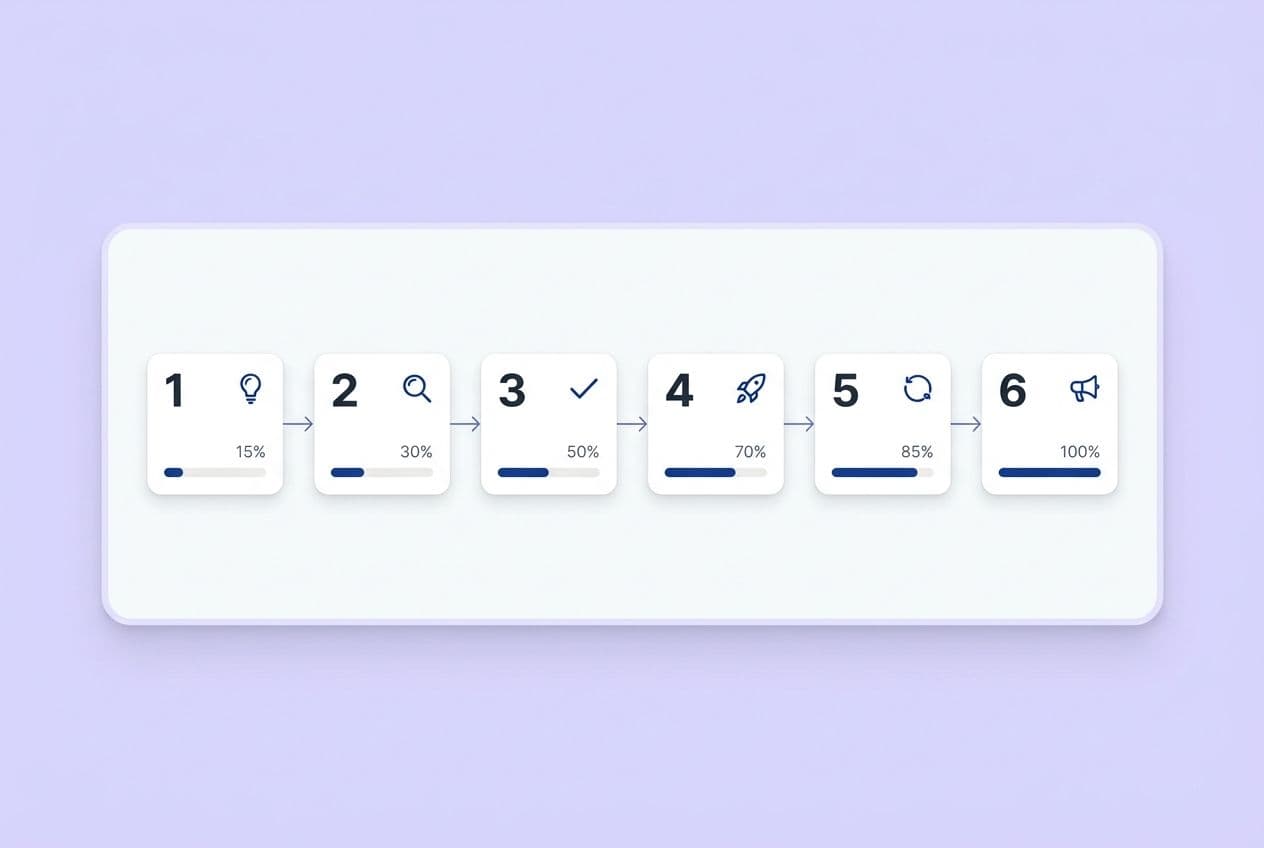
A full SaaS content strategy maps to six stages: Awareness, Consideration, Decision, Onboarding, Retention, and Expansion. And it runs on a repeatable system: (1) define journey stages and stakeholder intents, (2) map content types to each stage, (3) audit your current library, (4) prioritize a 90-day plan, (5) operationalize production and distribution, and (6) measure by stage, including AI visibility signals.
If you’re the one writing briefs, fighting with docs for SEO feedback, doing internal linking by hand, and watching distribution fall off a cliff every week, this is for you. Most "buyer journey" guides give you a pretty diagram and a spreadsheet that never ships. They gloss over multi-stakeholder complexity, ignore how AI answers are eating top-of-funnel clicks, and treat distribution like an optional chore.
That's why your "full-funnel strategy" feels more like a theory than an operating system. Let's fix that.
This isn't a plan that starts with TOFU content. It prioritizes consideration, decision, and lifecycle content where intent is highest and pipeline impact is real. Awareness becomes intentional, not the default setting for your entire strategy.
What Does "the Full SaaS Buyer Journey" Include—and Why Do Most Content Maps Fail?
Your buyer journey doesn't end at purchase. In SaaS, a customer who churns at month three is a content strategy failure, just like a prospect who never converted. Your content map has to go all the way to advocacy. More importantly, it has to be tied to intent, ownership, and metrics that actually make sense for the stage.
Here are the six stages I’ve found actually matter:
| Stage | Core buyer question | What "progress" looks like |
|---|---|---|
| Awareness | "Is this a real problem I should solve?" | Problem clarity, named outcome |
| Consideration | "What are my options and which fits best?" | Shortlist formed, champion engaged |
| Decision | "Is this safe to buy and can I defend it internally?" | Risk removed, stakeholders aligned |
| Onboarding | "How do I get value fast?" | First outcome achieved, habit forming |
| Retention/Expansion | "Am I getting ROI? What else can this do?" | Renewal confidence, new use case adopted |
| Advocacy | "Should I recommend this?" | Referral, case study, community participation |
The names don't matter as much as understanding the intent shift at each stage. A buyer in the consideration stage isn't just "more interested." They're evaluating trade-offs, building a business case, and starting to rope in their boss and other teams.
Why Maps Fail in Practice
I've seen content maps break down for the same predictable reasons time and time again. Sound familiar?
- No stage ownership. The blog team owns awareness. But who owns decision content? Or retention? Often, nobody. So the gaps just sit there for months.
- Wrong metrics per stage. Measuring decision pages by traffic is like measuring a sales call by how long it lasted. It’s a meaningless number.
- Sales never uses the assets. I once walked into a sales pit and asked where they find content. They pointed to a personal Dropbox folder from 2019. If your reps can't find it, it doesn't exist.
- Everything is a blog post. Awareness gets a guide, decision gets a guide, retention gets a guide. The format rarely matches what the buyer actually needs at that moment.
- Distribution is an afterthought. Content gets published and then... crickets. No repurposing, no channel plan, no follow-through.
If your job is measured on pipeline, your content map has to support deal movement, not just rack up pageviews.
What Changes in a Multi-Stakeholder SaaS Deal Across the Journey?
In a typical B2B SaaS deal, you’re selling to at least five people: the champion who loves your product, their manager, an executive sponsor, someone from finance, and probably a security or IT person. The "stage" of a deal isn't just a point in time; it's a measure of how aligned all those people are.
The champion finds you. Everyone else has to be sold internally. Your most important job is to arm that champion for their internal sales process. Content that helps them explain the ROI to their CFO or answer a security FAQ for their IT team is often more valuable than the blog post that got them to your site in the first place.
How Do You Map Buyer Intent to the Right Content Types at Each Stage?
Map content by intent and risk level, not just where it sits in the funnel. Awareness content educates. Consideration content validates options. Decision content removes risk. Post-sale content delivers on your promises. This one rule will fix most of your content-to-stage mismatch problems.
Here’s how it all maps out:
| Stage | Buyer intent | Best-fit assets | Primary CTA | What "good" looks like |
|---|---|---|---|---|
| Awareness | Understand the problem | Educational guides, checklists, glossary posts, problem-framing content | Subscribe, read related guide | Engaged sessions, assisted conversions, subscriber growth |
| Consideration | Evaluate options | How-tos, templates, solution guides, integration explainers, alternatives/comparison content | Demo/trial, email capture | MQL→SQL rate, demo assists |
| Decision | Remove risk, build business case | Case studies, security FAQ, ROI calculators, implementation plans, pricing explainers | Book demo, talk to sales | Win rate influence, sales cycle velocity |
| Onboarding/Retention | Get value fast, expand use | Help docs, playbooks, advanced guides, release notes, feature webinars | Activate feature, book CSM call | Activation rate, expansion signals, churn reduction |
Mistakes I've made (so you don't have to):
- Putting infographics on decision pages. They look nice but offer zero proof.
- Using product manuals as awareness content. No one is ready for that level of detail yet.
- Writing generic thought leadership for the decision stage. Buyers need specifics, not inspiration.
- Announcing a feature and calling it onboarding content. A feature isn't an outcome.
A quick but important nuance: your sales motion changes asset priority. For a PLG motion, consideration content needs to drive trial sign-ups. For a sales-led motion, that same stage requires assets that help AEs in their conversations, like battlecards and ROI frameworks. Build for the motion you actually have.
What Content Belongs to "Consideration" When Buyers Are Comparing You to Doing Nothing?
Your real competitor is usually the status quo: spreadsheets, a clunky manual process, or just ignoring the problem. Your consideration content has to fight that inertia.
Surface the hidden costs of their current approach without being pushy about it. A post like "What It Really Costs to Manage [X] Manually" that breaks down time, error rates, and opportunity cost is far more persuasive than a direct competitor comparison. Templates that help buyers calculate their own costs are even better. When they do the math themselves, the numbers are a lot more convincing.
How Do You Prioritize What to Create First—So "Full-Funnel" Doesn't Mean "Do Everything"?
Start where intent and revenue are highest, then expand. This almost always means focusing on decision and consideration content before you build a huge library of awareness posts. This is especially true now that AI answers are gobbling up top-of-funnel clicks before users ever reach your website.
Here’s the sequence that works:
- Decision enablers first. This means case studies, security docs, ROI tools, and implementation guides. These assets directly help deals that are already in motion.
- Consideration accelerators second. This is your comparison content, use-case how-tos, templates, and "alternatives to" pages. This is how you get on the shortlist.
- Awareness feeders third. Only create awareness topics that have a clear path to your other content through internal links and CTAs. Standalone awareness traffic that goes nowhere is a vanity metric in 2025.
- Retention and expansion content. This is what reduces churn and creates the proof you need for new case studies. It’s the most neglected and often most profitable stage.
Prioritization Scoring Model
We use a simple scoring model. Score each content idea from 1 to 5 on these six dimensions, then just rank them by the total.
| Dimension | What you're measuring |
|---|---|
| Pipeline proximity | How directly does this influence a purchase decision? |
| Search/AI demand | Are buyers actively searching or prompting on this topic? |
| Competitive gap | Do we have a weak or missing position versus competitors? |
| Internal effort | How much production work is required? |
| Sales usefulness | Will reps actually use this in deals? |
| Reusability | Can this repurpose into 3+ channel assets? |
Topics that always score high for consideration: use case pages, pain-point how-tos, templates, "alternatives to [tool]" posts, and head-to-head comparisons.
What If Leadership Demands TOFU Growth?
We’ve all been there. Don't fight the request, redirect it. Only publish awareness topics that have a job to do. Every single awareness piece needs at least two internal links to consideration assets and a CTA that captures intent (like an email subscription or guide download). Then, you can defend the investment with assisted pipeline data, not just session counts. "This post contributed to 12 demos" is a conversation your boss will understand.
How Do You Audit Your Existing Content and Turn It Into a Buyer-Journey Roadmap?
A content audit is a gap-and-fix process, not a cataloging project. The goal isn't just to document what you have. It's to decide what to do with each asset and see what's missing.
Here's the process:
- Inventory everything. I mean everything: URLs, PDFs, landing pages, help docs, videos. Not just the blog.
- Tag each asset by stage, stakeholder, and primary query intent.
- Evaluate by stage-appropriate metrics. Look at traffic for awareness pages, demo assists for consideration, and sales engagement for decision assets.
- Identify gaps. Where are you missing stage coverage, stakeholder objections, or comparison content? Where are your internal linking paths broken?
- Assign actions. For each piece, decide: update, consolidate, add proof, build a companion piece, or retire it.
Audit Table Template
| URL/Asset | Stage | Persona/Stakeholder | Primary Intent | CTA | Last Updated | Performance Metric | Action |
|---|---|---|---|---|---|---|---|
| /blog/example | Consideration | Champion | Compare options | Demo CTA | 6 months ago | Low CTR | Add comparison table + refresh CTA |
I guarantee you'll find these three scenarios in your audit:
- "Great traffic, no conversions." These are awareness pages getting organic visits but missing CTAs or internal links. These are quick wins. Add a relevant CTA and a link to your best solution page.
- "High-intent, thin proof." These are decision pages that rank but don't convert because they're missing case study snippets or security details. Add the proof. Don't rebuild the whole page.
- "Orphan content." Posts with zero internal links pointing to them and none going out. They're invisible to readers and AI. Fix the internal linking before you create anything new.
30/60/90-Day Roadmap Structure
- Days 1–30: Quick wins. Update top-traffic pages with missing CTAs and internal links. Fix orphan content.
- Days 31–60: Build or strengthen decision-stage assets like case studies and security FAQs.
- Days 61–90: Create new consideration clusters with use case pages and comparison content.
- Ongoing: Keep building out your lifecycle content for retention and expansion.
Tools like DeepSmith's Topics feature can help you operationalize this by clustering your coverage gaps and surfacing competitor activity. It helps keep your roadmap current so you're not just reacting to your own audit, but to the market.
How Do You Align Sales and Customer Success Around the Map?
Sales objections are content briefs. Customer support tickets are onboarding content gaps. You need a simple collaboration loop. Set a monthly check-in with sales to ask for the three objections they heard most often. Do a monthly review with CS to find ticket patterns that show where new customers are getting stuck. Record sales calls (with permission!) to hear the exact language buyers use. It's the best source of copy you'll ever find.
How Do You Design Content for AI Answers (AEO) Without Breaking Your SEO Strategy?
AEO (AI Engine Optimization) and SEO aren't in conflict. They're both about writing clear, structured content that makes extractable claims. The big change is that basic top-of-funnel questions are now answered inside the AI interface, which means fewer clicks. The pages that win are the ones that become cited sources, not the ones that just show up in search results.
AEO Writing Mechanics
This sounds complex, but it's really about a few simple habits:
- Lead every section with a direct answer in one or two sentences. AI engines scan openings. If you start with context, they'll just move on to a competitor who gave the answer first.
- Use question-based headers that mirror what people actually ask, like "How long does implementation take?" instead of "Implementation Timeline."
- Make claims discrete and supported. Each paragraph should make one clear claim and back it up. Vague statements like "this approach drives results" get ignored.
- Use tables. Structured data is easy for AI engines to parse. This is one of the easiest AEO wins.
- Include limitations. Saying "This works when X, but is less effective when Y" builds trust with both humans and AI engines that prefer nuanced sources.
Prompt Mapping by Stage
Map your content to the prompts buyers are actually typing:
- Awareness prompts: "What is [category]?", "How does [process] work?"
- Consideration prompts: "Best tool for [use case]", "Alternatives to [competitor]"
- Decision prompts: "Is [product] SOC 2 compliant?", "What does [product] cost?"
This is where a tool like DeepSmith’s AI Visibility—Prompts comes in handy. It lets you define these prompts and track your brand's mention and citation rate across major AI platforms. It shows you which of your pages are earning citations and where your competitors are winning. You don't get control, but you get a clear map of your gaps.
What Should You Measure by Stage Now That AI Is Changing Discovery?
- Awareness: Engaged sessions, email signups, assisted conversions, AI mention rate.
- Consideration: Demo assists, comparison page engagement, nurture progression.
- Decision: Sales velocity influence, win-loss mentions, case study engagement.
- Retention: Feature activation rate, support deflection, expansion content assists.
How Do You Operationalize Production So the Strategy Actually Ships?
A buyer-journey map that lives in a deck is a theory. One that connects to a production pipeline is a strategy. The difference between teams that execute and teams that fail isn't priorities; it's inputs and outputs.
Every piece of content needs a defined input and a defined output before anyone starts writing. Think of it as a contract for every article.
Minimum viable inputs for each piece:
- Query intent + stage + stakeholder
- Editorial POV (what position are we taking?)
- Proof points to include
- Internal links to connect (at least 3)
- CTA tied to stage
Required outputs before "publish-ready":
- Article with 3–5 internal links built in
- On-page CTA that matches the stage
- Snippet-ready summary (the first 1–2 sentences)
- Distribution pack (LinkedIn variants, newsletter blurb, sales snippet)
Acceptance Criteria Checklist
- Opening answers the H2 question in the first two sentences
- At least one table where comparisons or options exist
- Explicit next-step CTA tied to stage
- Internal links connect awareness → consideration → decision path
- All product claims match documented positioning
Stop doing post-draft SEO surgery. If you're retrofitting keywords and internal links after a draft is written, you're creating extra work every single time. A platform like DeepSmith's Content Studio can change this dynamic by handling research, brief creation, and structural elements in a connected workflow. Your team can then focus on strategy and judgment instead of just assembling the pieces.
What's the Fastest Way to Increase Output Without Hiring?
Three levers, in order of impact:
- Batch briefs. Write five briefs in one focused session. The mental overhead is the same, but the output is 5x.
- Standardize and reuse modules. An ROI section, a security FAQ, an implementation timeline. These should live in a shared library, not be rewritten from scratch every time.
- Run an update program. Refreshing an existing page that already has authority consistently outperforms a net-new post. Try a 60% new / 40% refresh cadence and watch your velocity climb.
How Do You Bake Distribution and Repurposing Into the Buyer-Journey Plan?
If you think your job is done when you hit "publish," you're leaving 80% of the value on the table. Distribution isn't a bonus step; it's part of the content's ROI. A published article that reaches no one in its first 48 hours is dead on arrival.
Channel-to-Stage Mapping
- Awareness: SEO-driven blog, educational LinkedIn posts, newsletter tips.
- Consideration: Webinars, opinionated LinkedIn comparisons, email nurture sequences.
- Decision: Sales outreach sequences, enablement one-pagers, case study snippets.
- Retention: Product newsletter, in-app resource links, advanced guides.
The 48-Hour Publish Trigger Checklist
When an article publishes, these things must happen within 48 hours:
- 2–3 LinkedIn post variants (different hooks: a tip, a stat, a counterintuitive angle)
- Newsletter blurb with a clear CTA
- Sales enablement snippet: what the article answers and when a rep should send it
- Internal links updated from 3+ relevant older posts pointing to the new one
Multi-stakeholder distribution tip: For any consideration or decision piece, create two versions. An executive-facing version focused on outcomes and ROI, and a practitioner-facing version focused on how-to details. The champion shares the practitioner version with their team and forwards the executive version to their boss.
DeepSmith’s Agent Library helps with this by converting any article into social posts, emails, and threads in your brand voice. The raw material is there, so your team can focus on the 'when' and 'why' of distribution, not the 'how'.
DeepSmith’s Agent Library helps with this by converting any article into social posts, emails, and threads in your brand voice. The raw material is there, so your team can focus on the 'when' and 'why' of distribution, not the 'how'.
How Do You Know It's Working—and What Do You Change When It Isn't?
Measure by stage, not with a single vanity metric. Traffic is a fine signal for awareness, but it tells you almost nothing about your decision-stage content. Build a simple stage-based dashboard and run a monthly optimization loop. This avoids the quarterly panic review.
Stage KPIs
-
Awareness: Engaged sessions, new users from ICPs, subscriber growth, AI prompt mention rate.
-
Consideration: Demo assists, CTA click-throughs on templates, nurture progression rate.
-
Decision: Sales cycle velocity, case study engagement, pricing page behavior.
-
Retention: Feature activation rate, expansion assists, support deflection rate.
-
Awareness: Engaged sessions, email signups, assisted conversions, AI mention rate.
-
Consideration: Demo assists, comparison page engagement, nurture progression.
-
Decision: Sales velocity influence, win-loss mentions, case study engagement.
-
Retention: Feature activation rate, support deflection, expansion content assists.
Monthly Optimization Cadence
- Review your stage dashboard. Flag any stage that's underperforming.
- Identify your top "assist" pages and any broken paths (high traffic, no next step).
- Update internal links and CTAs on your top 5 pages.
- Refresh 2 pages with updated proof, tables, or better clarity.
- Add 1 net-new piece to fill a persistent gap.
When It Isn't Working: Quick Diagnosis
| Symptom | Likely cause | Fix |
|---|---|---|
| Traffic but no pipeline | Wrong stage mix; weak CTAs; missing decision assets | Audit CTA alignment; build decision content |
| Pipeline but low conversion | Missing proof or de-risking content | Add case studies, security FAQs, ROI framing |
| No AI visibility | Content isn't structured as answer blocks | Reformat top pages with tables and direct openers |
| Sales ignoring assets | Content is in the wrong place; reps don't know it exists | Audit your asset library; create an enablement index |


