
Prompt tracking data goes unused when collecting a signal does not create a piece of work that someone is responsible for. The dashboard fills up, a few people look at it, and nothing gets assigned. Most prompt tracking mistakes come down to that one gap, and the fix is mostly about process. You name one person to review the queue, you review it on a schedule, and you turn accepted findings into content tasks that carry their evidence, an owner, a due date and a follow-up date. If you are trying to use prompt tracking data and keep ending up with prompt monitoring no actions come out of, this guide covers the failure patterns, the operating rules that fix them, and six tools that each support a different part of the handoff.
One caution before the details. The failure patterns and the operating rules here are our own analysis, not findings from a survey of people who run prompt tracking. We looked for a reliable figure on how much tracking data goes unused and did not find one, so this article doesn't quote one.
How we picked and ordered these tools
We chose products that publicly document at least one of these things:
- They keep a connection between AI search evidence and the work that was proposed from it.
- They go past reporting into recommendations, content creation or workflows you can run.
- They support repeatable execution through schedules, triggers or recurring tasks.
- They make the work visible through action states, task owners, review steps or publication records.
- They share enough public product and pricing detail to tell you what a buyer would actually need.
This is an editorial shortlist, not a benchmark. We did not test the paid plans against each other, and not every tool meets every criterion. DeepSmith is our product and it is listed first. After that the order moves from configurable content production, to agent execution, to action management, to automation into a stack you already own, and finally to a tool that only handles ownership.
| Tool | Best for | Standout capability for this problem | Starting price or commercial position |
|---|---|---|---|
| 1. DeepSmith | Teams that want tracking and content production in one place | AI search data connected to ideas, planning and article production | $99/month for Pro, or $80/month billed annually |
| 2. AirOps | Teams building repeatable, configurable content workflows | Workflow steps from research to review to publishing, with publish-event tracking | No numeric base price in the pricing text we reviewed; 14-day trial |
| 3. Profound | Teams handing recurring marketing work to configurable agents | Agents that run on demand, on a schedule or from events, with run history | Enterprise pricing is custom; free seven-day trial |
| 4. Peec AI | Teams that want an action queue next to tracking | Actions with evidence, steps, statuses and an Impact view | Starter at $95/month |
| 5. Scrunch | Teams routing AI search signals into a stack they already use | Zapier triggers for new Signals and custom thresholds | Core at $250/month; check API eligibility |
| 6. Asana | Teams whose main gap is ownership, deadlines and recurring review | Single-assignee tasks, recurring tasks and workflow rules | Paid rates not verified; Personal covers two users |
These are not interchangeable subscriptions. Asana does not collect prompt data at all. Scrunch's automation can need a separate Zapier account. Agent credits, workflow tasks, tracked prompts, generated articles and user seats are all different billing units, so the prices above are displayed amounts and not total costs.
Why prompt data sits in dashboards
Prompt monitoring no actions follow is usually a handoff problem, so it helps to be specific about where the handoff breaks, because the fix depends on which break you have. The patterns below are common operating problems. We haven't ranked them by how often they happen, since nobody has measured that.
| Failure pattern | What it looks like | Practical correction |
|---|---|---|
| Shared interest, no accountable owner | Several people get the report and nobody has to decide what happens next | Name one review owner and one delivery owner per accepted task |
| Reporting cadence without a decision cadence | The dashboard updates daily but nobody has a recurring slot to clear the queue | Hold a short recurring review whose outputs are decisions and tasks |
| Evidence loses its link to the backlog | A writer gets a vague note like "improve AI visibility" | Attach the observation, collection period, source record, affected page and requested deliverable |
| Findings become an unlimited wish list | Every observation turns into a content request whatever the capacity | Commit only what the team can deliver and defer or decline the rest |
| Recommendations get mistaken for execution | A generated suggestion counts as progress though no draft exists | Track acceptance, production, review, publication and follow-up separately |
| Alerts have no destination | Notifications pile up in chat with no task or deadline | Route eligible items to a work queue and say who handles exceptions |
| Publication breaks the feedback loop | Work ships and nobody records what changed or when to look again | Record the live page and date, then set a dated follow-up |
| Automation has no editorial gate | Draft generation is treated as permission to publish | Decide approval and publishing permissions before turning on unattended runs |
To use prompt tracking data well, you can start from one idea that sits underneath all eight is that a signal is evidence, a decision is a commitment, and a task is the unit of execution. A tool can help you move from one to the next, but a person on your team has to decide who is responsible for each move. This article stays on that handoff. It doesn't cover how to read win and loss data, which read prompt-level win and loss data handles, and it doesn't cover keeping the prompt list current, which keep your prompt portfolio fresh covers.
1. DeepSmith
Best for: Marketing leads who want to go from prompt tracking to an on-brand content pipeline without moving context between a tracking tool, a writing tool and a planning spreadsheet.
DeepSmith is an AI search analytics and content production platform in one, and its strongest fit for this problem is continuity. The evidence from your tracked prompts, the content backlog and the production step all live in the same workspace, so a finding doesn't have to be copied into a second tool before somebody can act on it.
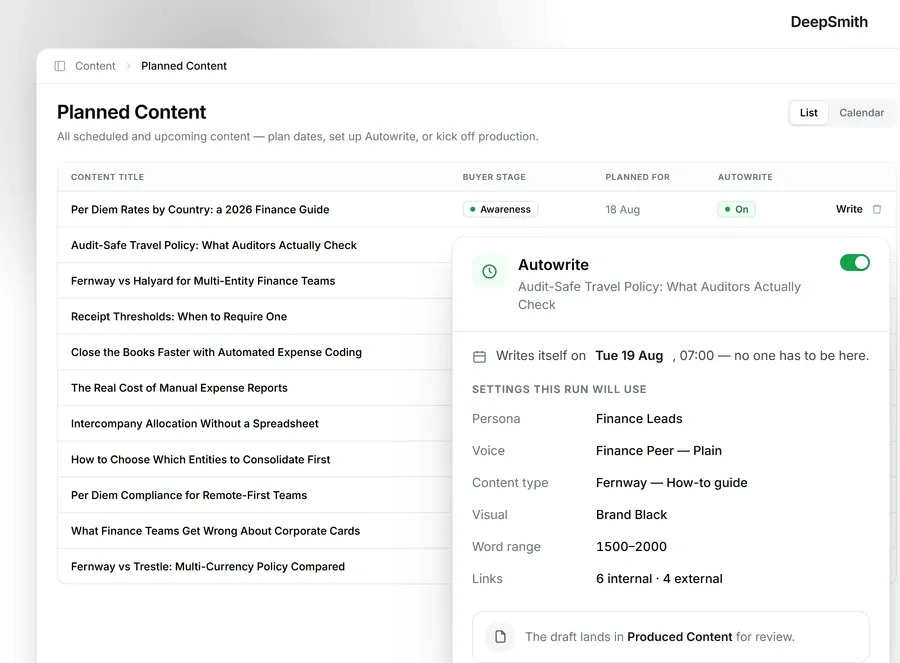
The handoff runs in a fixed order. AEO tracking gives you prompt-level results, answer history, page-level citation views and competitor citation views. Opportunity Agents read that data and return content ideas, and each idea carries the data point that justifies it. Ideas collect in New Ideas. Giving an idea a date makes it Planned Content. From there the Writer or Autowrite produces the article, and the finished piece lands in Produced Content to be reviewed and published.

Scheduling a piece does not by itself assign a person to it, so we'd still add a named delivery owner and a follow-up date to your own process. DeepSmith also lets you configure hands-off Autowrite, and we'd start with the review-first path until you trust the output for a given content type.
DeepSmith has a read-only REST API and MCP server, plus webhooks that notify other systems about content status changes and Opportunity Agent runs. A webhook only tells another system something happened, so whatever receives it has to do the next step. Publishing goes directly to WordPress, Webflow, Strapi, Sanity or Contentful.
| Plan | Monthly | Billed annually | Articles per month | Tracked prompts | Engines |
|---|---|---|---|---|---|
| Pro | $99 | $80 per month | 20 | 50 | ChatGPT |
| Grow | $199 | $160 per month | 40 | 100 | ChatGPT, Perplexity |
| Scale | $399 | $299 per month | 90 | 200 | ChatGPT, Perplexity, Gemini |
| Enterprise | Custom | Custom | Custom | Custom | All ten engines |
There is a seven-day free trial, and no long-term contracts or cancellation fees. The entry plan does not include every engine, so check the tier against the engines you need.
2. AirOps
Best for: Teams that need explicit, configurable steps connecting research, AI generation, review and publishing, and want shipped work recorded alongside later visibility trends.
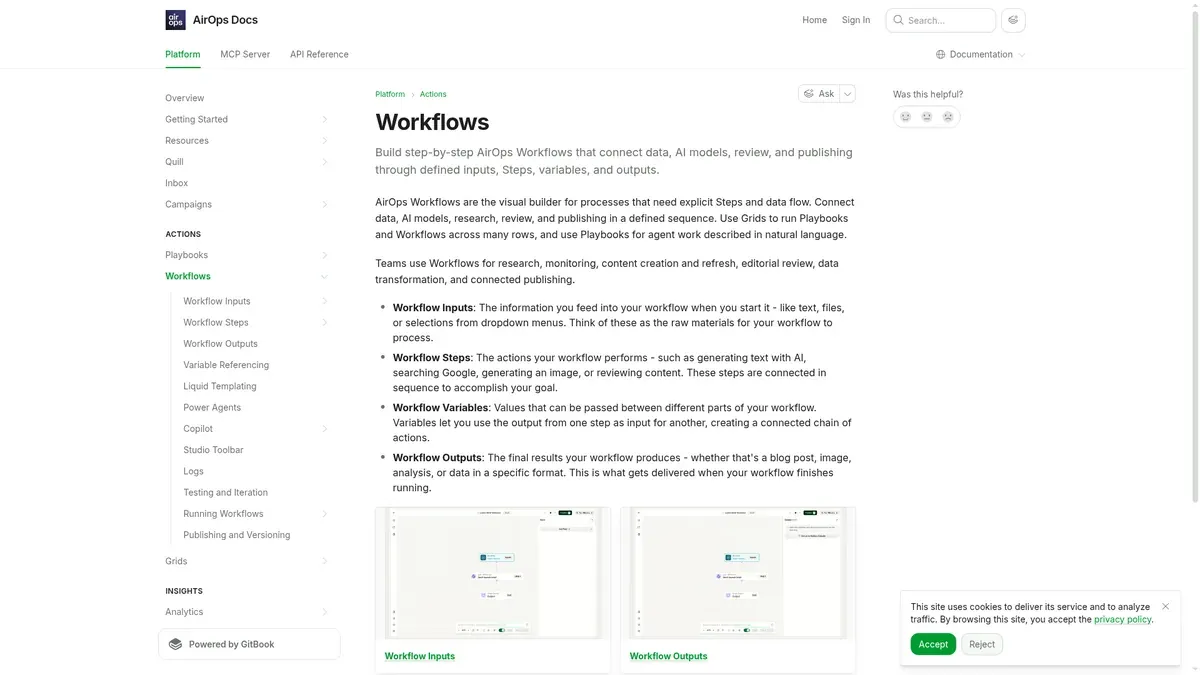
AirOps Workflows are a visual builder for processes with defined inputs, steps, variables and outputs. Its documentation lists research, content creation and refresh, editorial review and connected publishing among the uses. A separate feature, Content Publish Tracking, addresses a different cause of unused data. Pages published or updated through AirOps are logged as timestamped events and shown in Insights charts, so you can see what shipped next to your measurement history.
For this problem, you could define an input record that holds the accepted evidence and the intended deliverable, run it through research, production and a review step, and then use the publication record at follow-up. A human should stay accountable for the task and the approval. This is a configuration we suggest, and it doesn't come ready-made in every account. A longer look at the product is in the AirOps review.
On pricing, the plans are Solo, Pro and Enterprise. In the pricing text we reviewed, none of them showed a numeric base price. Solo lists 35,000 content-production tasks and ChatGPT Insights only, Pro lists 100,000 tasks and Insights across ten or more answer engines, and Enterprise is custom. Extra Solo usage is listed at $0.025 per task. A task is a usage unit and not an article, so don't convert these allowances into article counts. A 14-day trial is advertised.
Limitation: Explicit workflow control takes setup, and usage depends on the work you run. Publication markers give you timing, not proof that a particular update caused a later change in visibility.
3. Profound
Best for: Teams that want recurring marketing work delegated to configurable agents, with scheduled or event-driven runs and a saved record of each one.
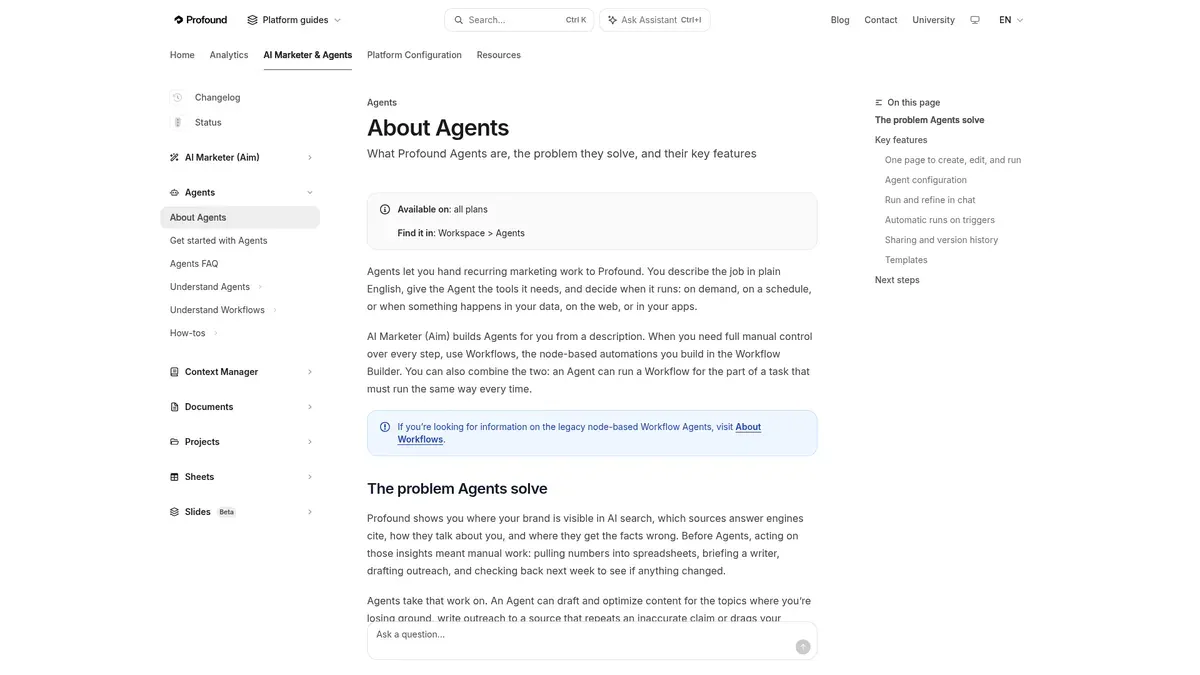
Profound Agents can do recurring work using instructions, context and connected tools. The documentation describes drafting and optimizing content, producing reports, combining Profound data with other services and publishing to a CMS. Workflows give you a separate, node-based option when you want explicit control over each step.
One way to use this is to schedule an Agent to prepare a content-work proposal, save the output, and bring it to your recurring review. A person then accepts the work, names the delivery owner and applies your publishing approval rule. The documentation we reviewed doesn't establish a built-in human approval requirement. The Profound review goes into more of the product.
The free trial runs 50 prompts daily for seven days with limited AI Marketer credits and covers ChatGPT, Gemini and Google AI Overviews. Enterprise is custom, with unlimited seats and domains and up to ten answer engines according to its pricing page. Agents and Workflows use credits, including test runs, and credit use varies with the complexity of the work. Depending on how the account is set up, you can allow overage billing or pause usage when the allotment runs out.
Limitation: A scheduled run does not give anyone responsibility for its output, and credit-based usage needs a budget rule of its own. Current paid pricing needs a conversation with sales.
4. Peec AI
Best for: Teams that want tracked evidence turned into a visible action queue, with content help and status tracking in the same product.
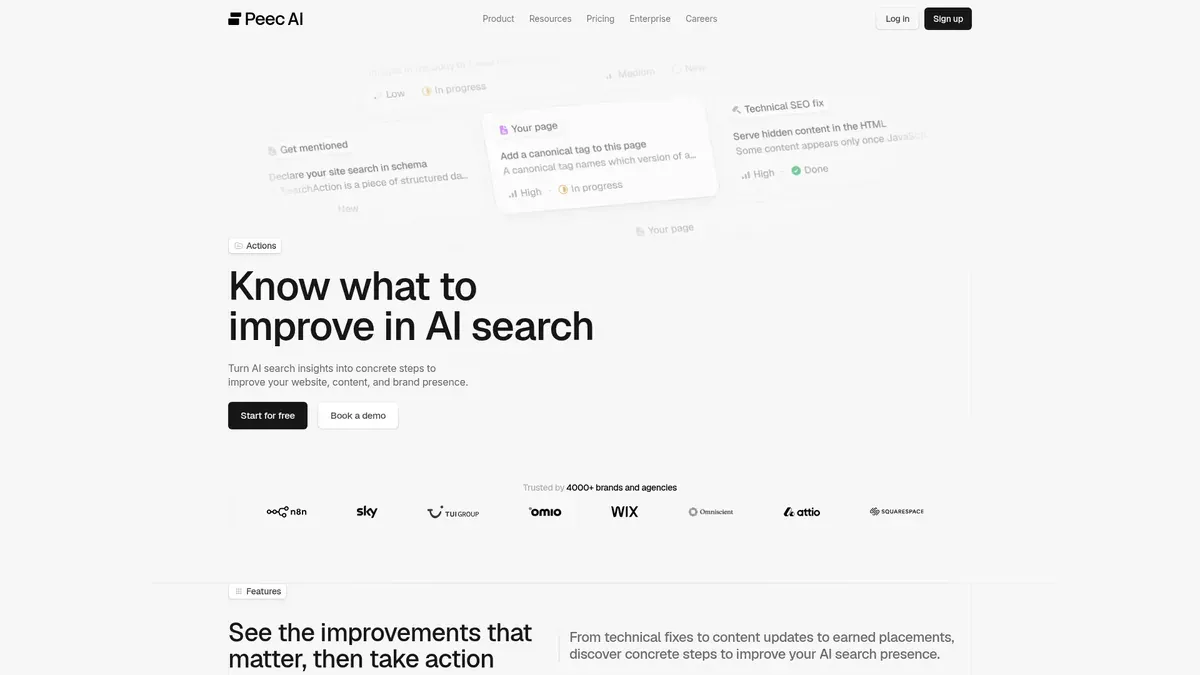
Peec AI Actions turn AI search data into prioritized opportunities with practical next steps. The current product goes past recommendations. You can create your own actions, use Peec Agent to help produce content, and follow progress through statuses. That makes it relevant when what's missing is a managed action and not another report export.
To use it, create or accept an action, keep its supporting evidence attached, say what the deliverable is, and move it through the progress states. If the plan you choose doesn't give you ownership and due dates, set a separate rule for them. There is more detail in the Peec review.
The three self-service plans list unlimited users. Actions are included in every plan at no extra cost, while Agent work has its own credit allowance, so included does not mean unlimited. MCP is on all plans, API access starts at Pro, and Advanced adds Looker Studio. A free trial is advertised, but we couldn't confirm how long it lasts.
Limitation: Agent credits and integrations are capped by plan. Peec also says plainly that its Impact view does not attribute a change to a single action, since AI answers can shift for many reasons, and that is a fair warning for any tool on this list.
5. Scrunch
Best for: Teams that already have a work-management stack and want AI search signals sent into it, so nobody has to export them by hand.

Scrunch supports a Zapier integration that starts automated workflows from AI visibility data. Its published examples include creating a Linear task and passing information through HubSpot into a Notion draft. The useful part is a configurable handoff into the work you already run. You can read about the product more broadly in the Scrunch review.
The setup needs a Scrunch API key and an active Zapier account. You create a Zap, choose Scrunch as the trigger app and a trigger, then set up the destination. We'd add a few rules of our own, which are to map a destination owner, include the source evidence, check for duplicates and avoid treating every triggered item as an immediate production commitment.
Core lists four engines, which are ChatGPT, Perplexity, Google AI Overviews and Copilot, and Enterprise lists nine. A seven-day trial is advertised.
Limitation: A triggered task is only as useful as its destination fields, owner and review rules. The pricing table puts Query API and Advanced API access on Enterprise, and the Zapier announcement doesn't say which plan is needed, so confirm that before you assume the $250 Core plan covers the full setup.
6. Asana
Best for: Teams that already collect prompt data but fail to turn accepted work into an assigned, dated, recurring delivery process.
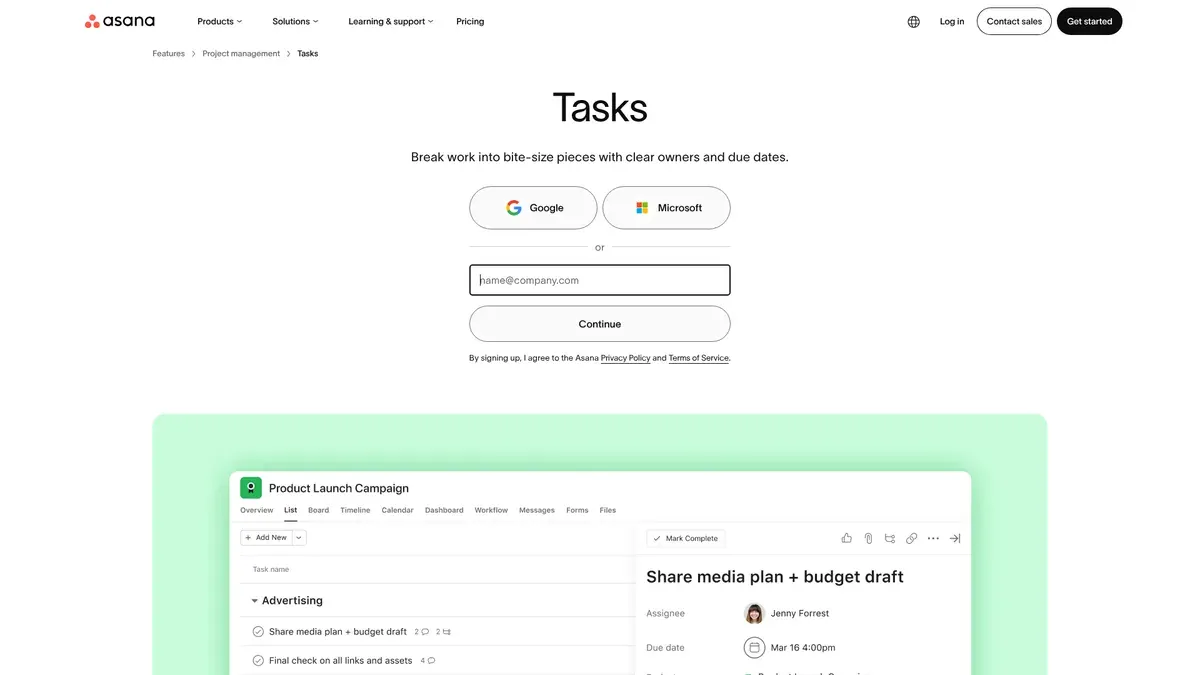
Asana is the ownership layer in this list, and it does not replace a tracking platform. It is here because it handles the part many teams skip. Every task has one assignee and can have several collaborators, which separates accountability from participation. Recurring tasks and rules that automate routine work can carry your review cadence and the handoff to execution without touching the tracker you already use.
Setting up a recurring review takes a few steps. Create a task for the prompt data review and assign its owner. Open the due date, choose to set it to repeat, and pick the recurrence. Then put the agenda and the required outputs in the task description. Asana's help page on scheduling tasks with due dates explains the options. Only the next occurrence shows on the calendar, and completing the task creates the one after it, so you won't get a full future series. Don't make both a recurring parent task and its subtasks recurring, because Asana warns that this duplicates tasks rapidly.
The pricing text we reviewed didn't show numeric subscription rates for Personal, Starter, Advanced, Enterprise or Enterprise+, so we're not quoting any. That is a gap in what we saw and not a claim that Asana hides its prices. Personal supports two users and won't have every automation or approval feature. Asana lists more than 100 free integrations, but that doesn't establish a native connection to any prompt tracking product here, so you may be creating tasks by hand with the evidence attached.
Limitation: Asana doesn't collect prompt data or produce visibility evidence. It only helps if the source observation and the intended content change are written into the task.
The operating model behind the tools
The tools above help with pieces of this. The part that fixes unused data is a set of rules your team agrees on. What follows is a starting design we recommend, and it is not a published standard or a tested benchmark.
Assign responsibilities before adding notifications
| Responsibility | Recommended accountable role | Required output |
|---|---|---|
| Review the queue | Marketing lead or a designated AEO or SEO owner | Accept, defer, decline or route each reviewed item |
| Deliver the content change | One named writer, editor or content owner | The agreed page update or new asset |
| Verify claims and quality | A named editor or subject-matter reviewer | Approval or specific requested changes |
| Publish | A named publisher or an approved publishing configuration | Live page and actual publication date |
| Revisit the result | The review owner or a named analyst | A dated follow-up note tied to the shipped work |
In a small team one person can hold several roles. What matters is that each delivery task has one accountable owner and isn't assigned to "marketing" in general.
Run a weekly review
A 30-minute weekly review is a practical starting point. It is an editorial recommendation and not a researched best frequency. A workable agenda looks like this.
- First five minutes: check blocked, overdue and unowned accepted work.
- Next ten minutes: decide what to accept, defer, decline or route from the evidence queue.
- Next ten minutes: create or finish the task records, name owners and commit dates that fit your capacity.
- Final five minutes: record what shipped and schedule any follow-up that is due.
The meeting should end with a small number of explicit decisions and not a tour of charts. One of the quieter prompt tracking mistakes is reviewing weekly while trusting a single answer. A weekly review doesn't mean you should rely on a single AI answer collected that week. A research paper called Don't Measure Once: Measuring Visibility in AI Search looked at 128 engine-prompt groups and found that cited-source sets overlapped by only 34 to 42 percent between consecutive days, and brand sets by 45 to 59 percent. It was one specific dataset, so we use it only as a directional point that a recurring review should lean on accumulated evidence.
Set an acceptance gate
Before an observation becomes committed work, it should have:
- a source record or evidence snapshot you can retrieve
- the collection period and the platform it applies to
- the affected page or proposed deliverable
- a plain explanation of what should change
- a delivery owner, a delivery date and a reviewer
- a follow-up date, or a stated condition for coming back to it
If a record lacks evidence or a deliverable, leave it in triage. If it has merit but there is no capacity, defer it openly and don't pretend it is scheduled. Once an item passes the gate, turning tracked prompts into a content plan shows how it becomes planned work, and turning visibility gaps into a backlog covers the backlog side.
Record delivery before judging results
At publication, capture the page, the date and a short description of the change. At follow-up, keep the later observation next to the original evidence and the shipped work. Write that visibility changed after the work shipped, and avoid saying the work caused an increase unless you have a sound method that supports the stronger claim. AirOps's publish-event context and Peec's attribution warning both back this distinction.
How to choose
| Your situation | Best starting point | What to verify before buying |
|---|---|---|
| We need tracking and article production in one flow | DeepSmith | Engines and plan tier you need, article volume, review and publishing setup |
| We want detailed control over repeatable production steps | AirOps | Setup effort, task use, supported connectors and a numeric quote |
| We want scheduled or event-driven agents for recurring work | Profound | Credit package, tool and trigger access, approval design and paid price |
| We want a managed action queue with evidence and content help | Peec AI | Agent allowance, API tier, connector permissions and ownership rules |
| We already use a work stack and want signals routed into it | Scrunch | API entitlement, Zapier requirements, destination mappings and total automation cost |
| Tracking is fine but nobody owns the follow-through | Asana alongside your tracker | Team size, paid automation and approval tiers, and how evidence enters each task |
Start by finding the handoff that is actually broken. If the problem is ownership, adding a second visibility dashboard is unlikely to be the most direct fix. If the problem is production capacity, a task board on its own doesn't give you a content pipeline. For a wider look at the category, see prompt tracking tools compared. The broader roundup of AI visibility tools covers the tracking side in more depth.
If you want to test the whole handoff in one place, start a DeepSmith seven-day free trial and take one accepted finding through an idea, a planned article and a reviewed draft. We wouldn't promise citation gains during the trial, since the real test is whether your team can finish the handoff.
Related guides
- Cited.so Alternatives: 8 Best AI Citation Trackers for 2026: Eight Cited.so alternatives for tracking which prompts mention your brand and which sources AI engines cite: DeepSmith, Profound, Semrush AI Visibility Toolkit, Peec AI, LLMrefs, OtterlyAI, Rankscale, and.
- Foglift Alternatives: 8 Best AI Visibility Scanners for 2026: Compares eight AI visibility scanners against Foglift (DeepSmith, OtterlyAI, Peec AI, Profound, Scrunch, LLMrefs, AthenaHQ, Semrush) on engine coverage, refresh cadence, and pricing, for buyers who liked the.
- Getvisoryn Alternatives: 8 Best AI Mention Monitoring Tools for 2026: Reviews eight AI mention monitoring tools as Getvisoryn replacements (DeepSmith, Scrunch, Profound, OtterlyAI, Peec AI, Rankscale, Goodie, ZipTie), comparing pricing, engine coverage, and what a buyer can actually.
- Goodie AI Alternatives: 8 Best GEO and AI Visibility Platforms for 2026: A buyer roundup of eight generative-engine-optimization platforms you could switch to from Goodie AI (DeepSmith, Profound, Peec AI, OtterlyAI, LLMrefs, Semrush, Foglift, AthenaHQ), comparing published pricing, engine coverage.
- LLMpulse Alternatives: 8 Best AI Search Visibility Platforms for 2026: Explains what LLM Pulse covers and its published euro pricing, then ranks eight replacements (DeepSmith, Profound, AthenaHQ, Scrunch, LLMrefs, Rankscale, Goodie, Otterly) by engine coverage, prompt allowances, cost.